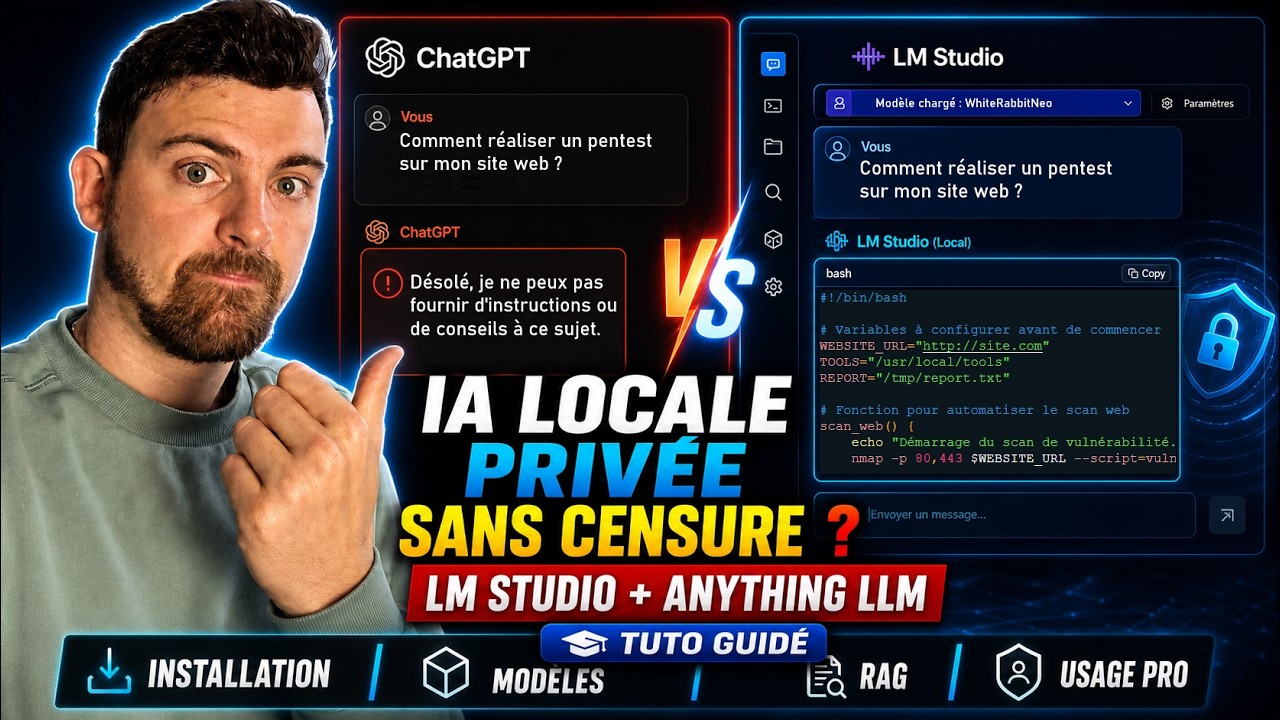
Créez votre IA Pentest 100% locale et sans censure (LM Studio + AnythingLLM)
Keywords
Summary
224 words
Critical Evaluation
The video provides a valuable and practical tutorial for setting up a local, uncensored AI for pentesting, a topic that is often overlooked in mainstream AI discussions. The creator demonstrates a clear step-by-step process, from installing LM Studio to configuring AnythingLLM for RAG, making it accessible to a technical audience. The information is presented in a structured manner, with chapters and clear explanations of key concepts like model parameters, quantization, and RAG. The use of tools like Will It Run AI to assess hardware compatibility is a practical addition that helps users avoid common pitfalls. The sources cited are mostly official and reputable: LM Studio, AnythingLLM, Hugging Face for WhiteRabbitNeo, and GitHub repositories for OWASP CheatSheetSeries and PayloadsAllTheThings. These are appropriate for the topic and add credibility. However, the video lacks depth in certain areas: the explanation of quantization is oversimplified, and the technical details of how RAG works are not thoroughly covered. The creator’s advice is based on personal experience rather than rigorous testing or academic references, which may limit its generalizability. The adéquation between the title and content is good, as the video indeed demonstrates how to create a local, uncensored AI for pentesting. The presence of a sponsorship segment is noted but does not detract from the content’s value. Overall, the video is a useful resource for cybersecurity enthusiasts and professionals looking to leverage local AI models, but it should be complemented with more in-depth resources for a complete understanding.
243 words
Title / Content Match
The title accurately reflects the content: the video demonstrates how to set up a local, uncensored AI for pentesting using LM Studio and AnythingLLM.
Quality & Reliability
7/10
The video provides a practical tutorial with clear steps, but lacks deep technical explanations and relies on the creator's experience. Sources are mostly official tools and open-source repositories, but no peer-reviewed references.
Chapters
- Introduction & Démonstration
- Comprendre les paramètres des modèles (31B, Q4...)
- Choisir le bon LLM selon sa configuration
- Trouver des modèles IA non censurés
- La technologie RAG : Interroger ses propres documents
- Configurer AnythingLLM avec LM Studio
- L'importance des modèles d'intégration multilingues (BGE M3)
Cited Sources
- LM Studio — Official website for downloading LM Studio, the main tool used in the video.
- AnythingLLM — Official website for AnythingLLM, used for RAG and document interaction.
- Will It Run AI — Website to check which AI models can run on your hardware.
- WhiteRabbitNeo-13B-v1 — Hugging Face page for the WhiteRabbitNeo model, specialized for pentesting.
- OWASP CheatSheetSeries — GitHub repository with security cheat sheets, used for RAG documents.
- PayloadsAllTheThings — GitHub repository with payloads for pentesting, used for RAG documents.
Concurring Sources
- LM Studio — The tool is widely used for running local LLMs, and the video's instructions align with its official documentation.
- AnythingLLM — The tool is designed for RAG and document interaction, consistent with the video's usage.
- WhiteRabbitNeo — The model is specifically designed for pentesting, as demonstrated in the video.
External References
Contribution & Novelties
The video offers a practical, hands-on guide to setting up a local, uncensored AI for pentesting, combining LM Studio and AnythingLLM. It provides a clear workflow for selecting models based on hardware, finding uncensored variants, and using RAG to enhance the AI’s capabilities with custom documents. The emphasis on using open-source tools and models makes it accessible and cost-effective.
Pour aller plus loin :
- Retrieval-Augmented Generation (RAG) — Overview of RAG, a key concept in the video.
- Quantization (signal processing) — Explains the concept of quantization, relevant to model compression.
- WhiteRabbitNeo — Official page for the WhiteRabbitNeo model family, specialized for cybersecurity.
- LM Studio — Official site for the main tool used in the video.
- AnythingLLM — Official site for the RAG tool used in the video.
127 words
Radar Profile
The radar profile shows a balanced distribution across all dimensions, with slightly lower scores in technical depth and reliability, reflecting the tutorial's practical but not deeply technical nature.