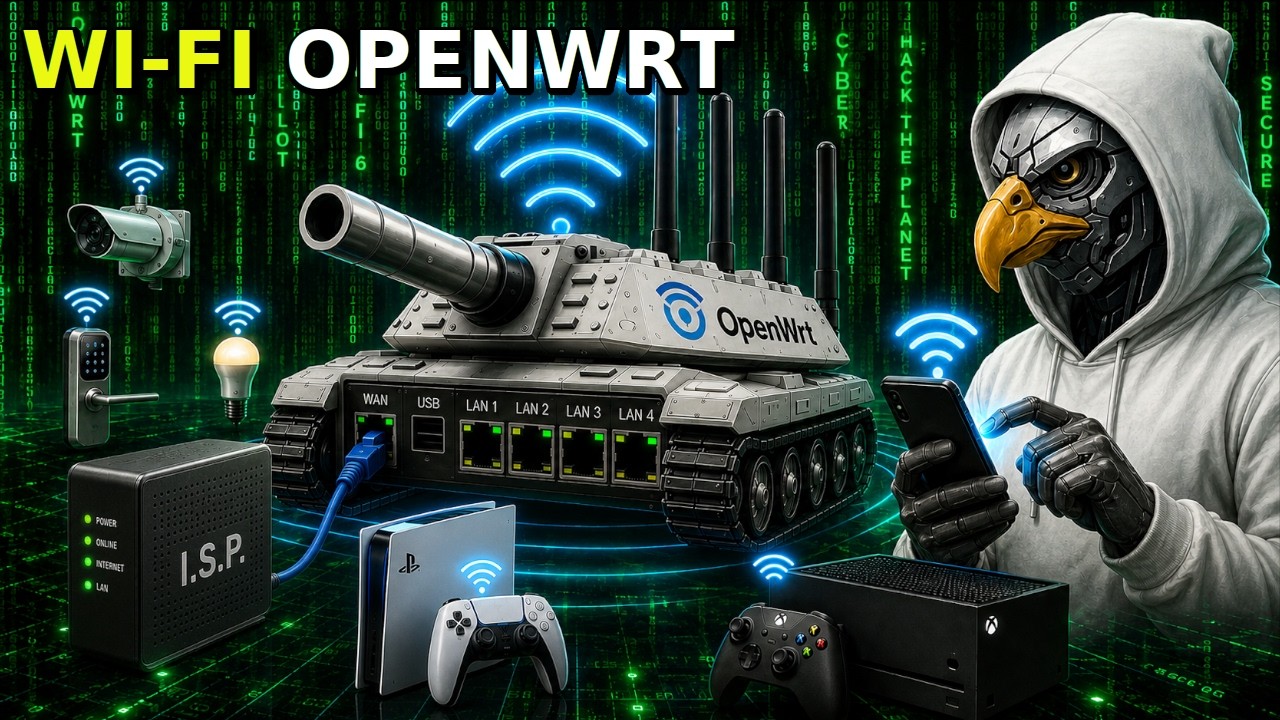
COMO CONFIGURAR O WIFI NO OPENWRT NA MESMA REDE ETHERNET! (ROTEADORES COMERCIAIS, RASPBERRY PI E PC)
Keywords
Summary
138 words
Critical Evaluation
Value of the Information & Strength of the Argument
The video provides a practical, step-by-step guide that is easy to follow for beginners. The author explains the network topology clearly, emphasizing that Wi-Fi will be bridged to the Ethernet network. The security advice, such as using long passwords and a password manager, is valuable and aligns with best practices. However, the argumentation is largely anecdotal, based on the author’s personal experience, and lacks references to official OpenWrt documentation or security standards. The claim about 590 bits of entropy for a 63-character password is plausible but not rigorously derived. The author also mentions advanced topics like MAC spoofing but does not explain them, which may leave viewers wanting more depth.
Scientific Rigor, Source Quality, Title Accuracy
The video does not cite any external sources or official documentation. The description contains links to the author’s own courses and social media, which are promotional rather than scientific references. The title accurately reflects the content, and the tutorial is consistent with the title. The author’s credibility is based on his self-proclaimed expertise, but no credentials are provided. The lack of citations reduces the scientific rigor, but the practical nature of the tutorial mitigates this somewhat.
201 words
Title / Content Match
The title accurately describes the content: configuring Wi-Fi on OpenWrt to be on the same Ethernet network. The video delivers exactly that.
Quality & Reliability
6/10
The tutorial is practical and based on the author's experience, but lacks citations to official documentation or external sources. The security advice is sound but presented with some exaggeration and without rigorous justification. The video is a single demonstration, not a peer-reviewed source.
Key Moments
Markers derived by PSI from the transcript: the creator did not define chapters.
- Introduction and channel promotion
- Explanation of network topology: Wi-Fi on same network as Ethernet via br-lan
- Accessing OpenWrt web interface and navigating to Network > Wireless
- Editing wireless interface: setting country code, SSID, mode, and security
- Creating a strong password with KeePassXC, up to 63 characters
- Advanced settings: MAC address randomization and its limitations
- Enabling the Wi-Fi interface and verifying via SSH
- Viewing /etc/config/wireless file and explaining configuration options
- Demonstrating how to edit the wireless config file via command line
- Conclusion and call to action
Cited Sources
- Curso ULTRA Anonimato Red Pill — Mentioned as a course covering advanced topics like MAC spoofing.
- Consultoria personalizada em cibersegurança — Offered as a service for custom OpenWrt configurations.
- Cursos avançados de privacidade online — General link to courses.
- Página oficial sobre segurança digital — Mentioned as a resource for security articles.
Concurring Sources
- OpenWrt Wiki: Wireless — Official documentation on wireless configuration, consistent with the video's approach.
External References
Contribution & Novelties
The video provides a clear, practical tutorial for configuring Wi-Fi on OpenWrt, specifically for bridging it to the Ethernet network. It emphasizes security with strong passwords and password managers, which is a valuable reminder. The author also shares his custom OpenWrt build with MAC spoofing, though not detailed. The novelty is limited as this is a common configuration, but the presentation is accessible.
Pour aller plus loin :
- OpenWrt Wireless Configuration — Official documentation on wireless configuration.
- WPA2 vs WPA3 — Overview of Wi-Fi security protocols.
- KeePassXC — Password manager recommended in the video.
- MAC Spoofing — Explanation of MAC address spoofing.
102 words
Radar Profile
The radar profile shows moderate scores across all dimensions, with a slight peak in information quantity and quality, but lower technical depth and reliability due to lack of citations. The video is a practical tutorial with good security advice, but it lacks rigorous scientific backing.