Segunda parte, módulo 3 Laboratorio de innovación social, parte 2
Keywords
Summary
153 words
Critical Evaluation
Value of the Information & Strength of the Argument
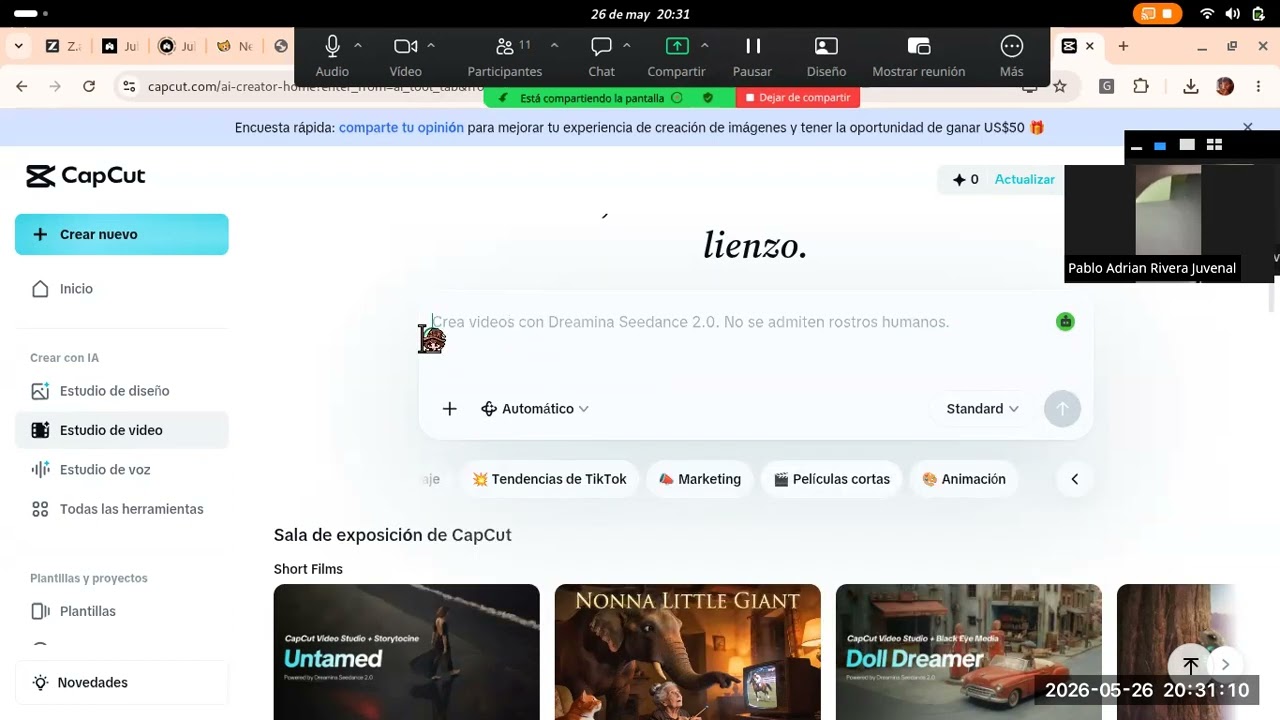
The video provides practical, step-by-step instructions for using CapCut to create a video for an academic assignment. The value lies in its direct applicability for students, offering clear guidance on how to use the tool’s features, such as text-to-video and AI voice generation. However, the argumentation is weak; there is no scientific basis or evidence presented, and the instructor’s explanations are often interrupted by technical issues. The content is purely procedural, lacking any critical analysis or theoretical framework. The instructor’s approach is informal and conversational, which may be engaging for students but does not contribute to a rigorous scientific discussion.
Scientific Rigor, Source Quality, Title Accuracy
The video does not cite any scientific sources or references. The instructor mentions tools like CapCut and Bocaro, but these are not formally cited. The title is accurate but vague, providing little information about the specific content. The video’s scientific rigor is low, as it is a classroom demonstration rather than a scholarly presentation. The lack of sources and the informal nature of the content significantly reduce its reliability for academic purposes. The title adequately reflects the content, but it does not indicate the practical nature of the session.
204 words
Title / Content Match
The title accurately describes the content as the second part of module 3 of a social innovation lab, but it is generic and lacks specificity.
Quality & Reliability
4/10
The video is a low-quality recording of a class session, with poor audio and video, and the content is mostly procedural instructions for a student assignment. There is no scientific rigor or verifiable data; it is a practical demonstration of tools.
Key Moments
Markers derived by PSI from the transcript: the creator did not define chapters.
- Introduction and student questions about project focus.
- Instructor explains module 4 authentic task: create a video.
- Requirements for the video: mission, vision, problem, etc.
- Instructor introduces CapCut as a tool for video creation.
- Demonstration of CapCut's video studio and text-to-video feature.
- Instructor shows how to generate AI voices and record avatars.
- Alternative voice recording methods: WhatsApp audio and Bocaro.
- Instructor demonstrates recording an avatar in a presentation.
- Explanation of using AI voice generation for the video.
- Closing remarks and promise to upload a tutorial video.
Cited Sources
Concurring Sources
- CapCut — Tool demonstrated in the video.
Contribution & Novelties
The video offers a practical, hands-on demonstration of using AI-powered video creation tools for educational purposes, specifically for student projects. It provides a clear workflow for integrating text-to-video and AI voice generation, which can be valuable for educators and students. However, the content is not novel in a scientific sense; it is a tutorial.
Pour aller plus loin :
- AI in Education — Overview of AI applications in education.
- CapCut — Official tool for video editing and AI features.
- Social Innovation — Concept relevant to the course’s focus.
88 words
Radar Profile
The radar profile shows low scores across all dimensions, indicating a video with minimal information content, poor quality, and low technical depth. The video is primarily a practical tutorial with no scientific rigor, making it suitable only for immediate practical use.