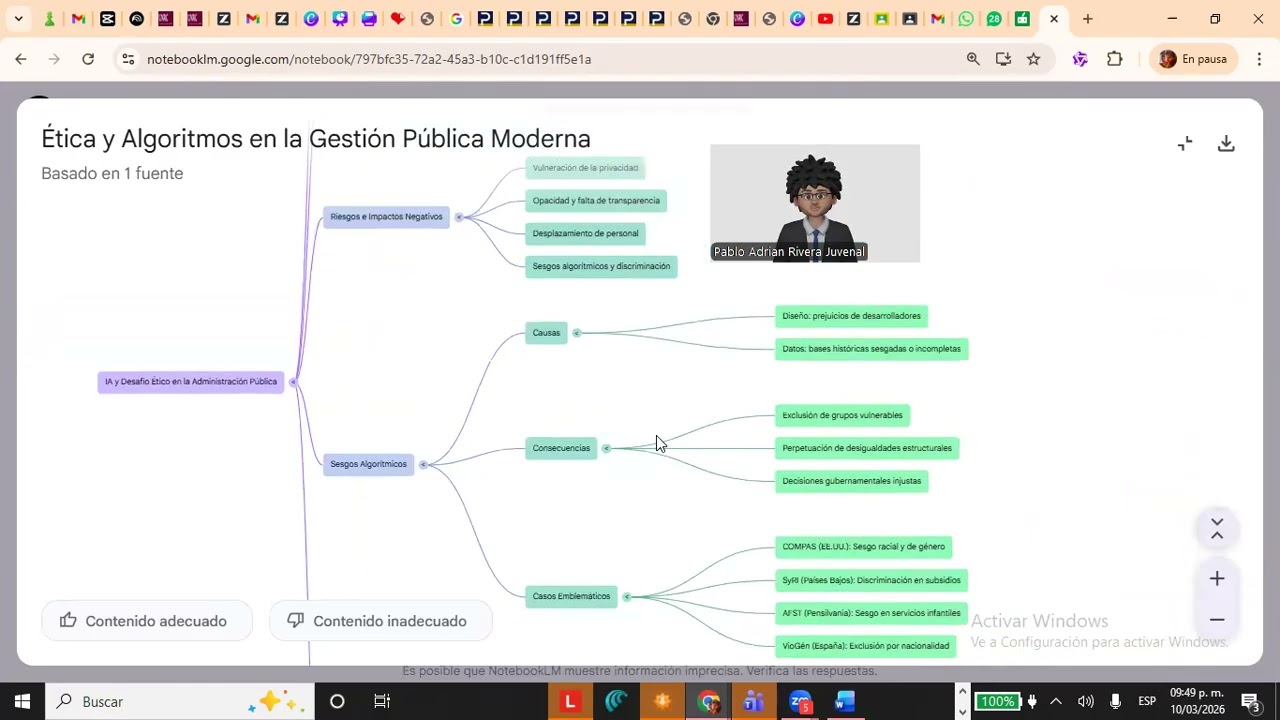
Crear presentaciones con notebooklm
Keywords
Summary
138 words
Critical Evaluation
Value of the Information & Strength of the Argument
The video provides practical value for educators and students by demonstrating how to leverage NotebookLM for creating visually appealing study materials. The argumentation is straightforward, based on personal experience and step-by-step demonstration. However, it lacks critical analysis of the tool’s limitations, potential biases, or comparison with other AI tools. The presenter’s claims about the tool’s effectiveness are not backed by empirical evidence or external sources, but they are plausible based on the demonstrated outputs.
Scientific Rigor, Source Quality, Title Accuracy
The video does not cite any external sources or references. The only sources mentioned are the tool itself (NotebookLM) and the presenter’s own documents. The title accurately reflects the content. The presenter does not discuss the scientific rigor of the tool or its underlying technology. The video is a tutorial, so the lack of sources is expected, but it does not provide any evidence for the claims about the tool’s capabilities.
160 words
Title / Content Match
The title accurately reflects the content, which focuses on creating presentations with NotebookLM.
Quality & Reliability
5/10
The video is a practical tutorial demonstrating the use of NotebookLM for creating presentations, infographics, and other study aids. It provides step-by-step instructions but lacks depth in explaining underlying concepts or scientific basis. The information is accurate for the tool's usage but is limited to surface-level guidance.
Key Moments
Markers derived by PSI from the transcript: the creator did not define chapters.
- Introduction and overview of the tutorial's purpose.
- Logging into NotebookLM and creating a new notebook.
- Uploading a document and explaining the importance of using custom text.
- Demonstrating how to generate a presentation with a specific style (Baroque).
- Creating an infographic with a custom style and comparing it to the generic one.
- Showing examples of previously created comic-style presentations.
- Conclusion and mention of future videos on other AI tools.
Contribution & Novelties
The video offers a practical, step-by-step guide to using NotebookLM for creating presentations and infographics, which is useful for educators and students. It highlights the ability to customize styles and the importance of using user-generated content for reliability. However, it does not provide novel insights or deep analysis of the tool’s capabilities.
Pour aller plus loin :
- NotebookLM official site — Official tool page.
- Google AI Blog on NotebookLM — Announcement and features.
- AI in Education: A Review — Academic perspective on AI in education.
85 words
Radar Profile
The radar profile shows moderate scores across all dimensions, indicating a balanced but not exceptional tutorial. The highest score is in fiabilite_globale, reflecting the reliability of the demonstrated steps, while the lowest is in niveau_technique, as the content is accessible to beginners.