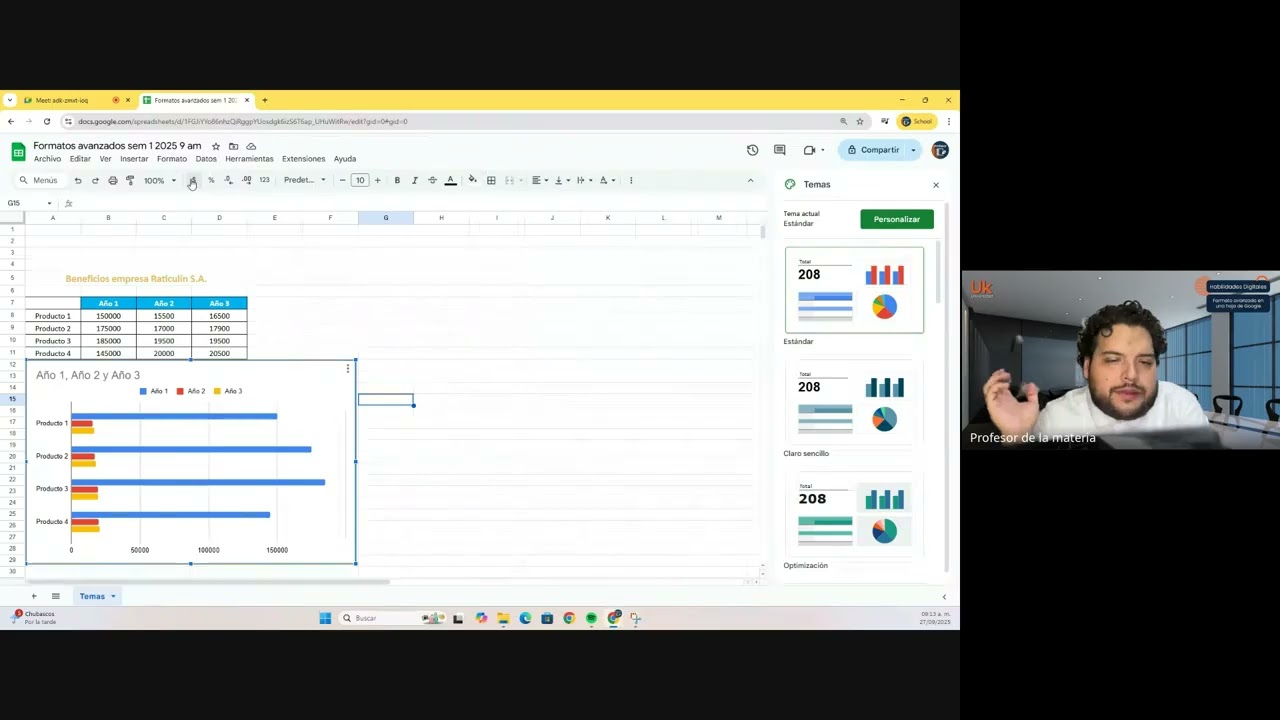
Formato avanzado en una hoja de Google
Keywords
Summary
145 words
Critical Evaluation
Value of the Information & Strength of the Argument
The video provides practical, hands-on instruction on advanced formatting features in Google Sheets, which is valuable for users seeking to enhance their data presentation skills. The instructor’s explanations are clear and methodical, walking through each step with live demonstrations. He effectively justifies the use of themes and conditional formatting by highlighting their benefits for data visualization and analysis. The argumentation is solid, as he connects the features to real-world scenarios, such as identifying high-performing sales or highlighting anomalies. However, the content is primarily tutorial-based and does not delve into theoretical underpinnings or alternative approaches, limiting its depth.
Scientific Rigor, Source Quality, Title Accuracy
The video demonstrates a good understanding of Google Sheets features, and the instructions are accurate. However, no external sources are cited, and the content relies solely on the instructor’s expertise. The title accurately reflects the content, which is focused on advanced formatting. The video is part of an educational series, suggesting a structured curriculum, but the lack of citations reduces its scientific rigor. The presentation is clear and well-organized, with a logical progression from themes to conditional formatting.
190 words
Title / Content Match
The title accurately reflects the content, which focuses on advanced formatting techniques in Google Sheets.
Quality & Reliability
7/10
The content is a practical tutorial on Google Sheets advanced formatting, presented by an instructor with clear explanations and live demonstrations. The information is accurate and aligns with standard Google Sheets features, though it lacks citations to external sources. The video is part of an educational series, suggesting a structured curriculum.
Key Moments
Markers derived by PSI from the transcript: the creator did not define chapters.
- Introduction and course logistics, including certification requirements.
- Demonstration of applying and customizing themes to charts.
- Explanation of color theory and its relevance to chart design.
- Introduction to conditional formatting and its applications.
- Step-by-step guide on creating single-color conditional formatting rules.
- Demonstration of color scale conditional formatting and customization.
- Q&A session addressing student questions about cross-sheet comparisons and formulas.
- Further Q&A and clarification on using conditional formatting with multiple ranges.
- Wrap-up and reminder about accessing recorded sessions on YouTube.
Contribution & Novelties
The video offers a practical, step-by-step tutorial on advanced formatting in Google Sheets, which is useful for users looking to improve their data presentation skills. It covers themes and conditional formatting in detail, with live demonstrations and student interaction. The content is original in its pedagogical approach, but it does not introduce new concepts beyond what is already documented in Google Sheets help. For further exploration, users can refer to the following resources:
- Google Sheets Help Center — Official documentation on conditional formatting.
- Google Sheets Help Center: Add and edit a chart — Official guide on chart customization.
- Color theory — Background on color combinations and design principles.
108 words
Radar Profile
The radar profile shows balanced scores across all dimensions, with slightly higher scores in information quantity and quality, reflecting the tutorial's comprehensive coverage. The technical level is moderate, suitable for beginners to intermediate users. Overall, the video is reliable and informative, though it lacks external citations.