Funciones, fórmulas y gráficos
Keywords
Summary
130 words
Critical Evaluation
Value of the Information & Strength of the Argument
The video provides practical, hands-on instruction on using Google Sheets functions, which is valuable for beginners. The instructor clearly explains the syntax and usage of common functions, and the live demonstrations help reinforce learning. The argumentation is straightforward and based on the instructor’s experience, though it lacks formal citations or references to external sources. The content is accurate and aligns with standard spreadsheet functionality, making it a reliable resource for basic spreadsheet skills.
Scientific Rigor, Source Quality, Title Accuracy
The scientific rigor is moderate; the instructor relies on personal knowledge and the built-in help of Google Sheets, without citing external sources. The quality of sources is limited to the software’s documentation, which is reliable but not academically rigorous. The title accurately reflects the content, though the focus is more on functions and formulas than on graphical elements. The video is a tutorial, so it does not present original research or data, but it is well-structured and informative for its intended audience.
170 words
Title / Content Match
The title 'Funciones, fórmulas y gráficos' accurately reflects the content, which covers functions and formulas, though graphical elements are not extensively covered.
Quality & Reliability
7/10
The video is a practical tutorial on Google Sheets functions, presented by an instructor with clear explanations and live demonstrations. The content is accurate and aligns with standard spreadsheet functionality, though it lacks formal citations and is based on the instructor's expertise. The production quality is moderate, with occasional audio issues and a conversational style.
Key Moments
Markers derived by PSI from the transcript: the creator did not define chapters.
- Introduction and course overview
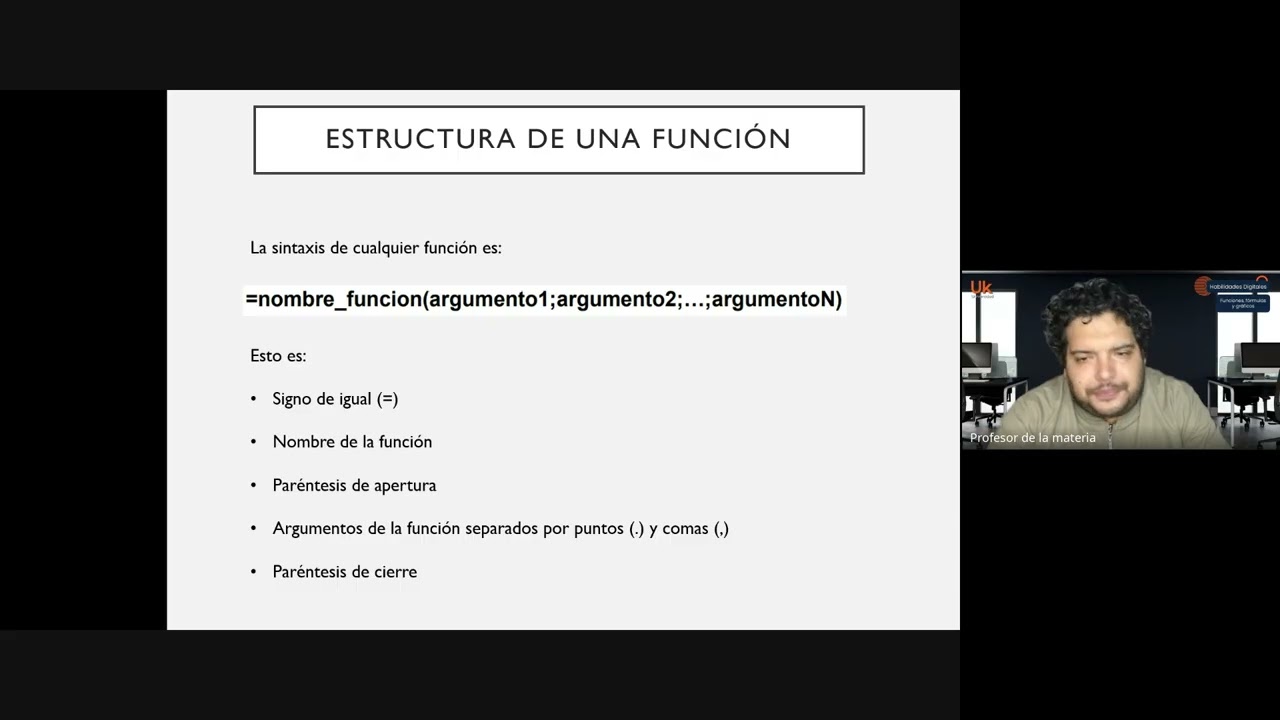
- Definition of functions and their structure
- Explanation of arguments and function syntax
- Overview of function categories and examples
- Inserting functions and using the help feature
- Practical example: calculating averages with AVERAGE function
- Discussion on handling text in numeric functions
- Using SUM function and autocomplete
- Introduction to nested functions and limits
- Summary and Q&A session
Contribution & Novelties
The video provides a beginner-friendly introduction to Google Sheets functions, with practical examples and live demonstrations. It emphasizes the importance of understanding function syntax and using the built-in help features. The tutorial is part of a structured course, offering a solid foundation for further learning.
Pour aller plus loin :
- Google Sheets function list — Official documentation for all functions.
- Spreadsheet — Overview of spreadsheet software and history.
- Formula — General concept of formulas in computing.
76 words
Radar Profile
The radar profile shows balanced scores across information quantity, quality, technical level, and reliability, indicating a well-rounded tutorial. The high scores in information quantity and quality reflect the comprehensive coverage of basic functions, while the technical level is appropriate for beginners. The reliability is moderate due to the lack of external citations, but the content is accurate and practical.