Domina Docs, Sheets y Slides sin complicarte
Keywords
Summary
150 words
Critical Evaluation
Value of the Information & Strength of the Argument
The video provides practical, step-by-step instructions for using Gmail and Google Calendar, which is valuable for beginners. The instructor’s live demonstrations help clarify the features. However, the argumentation is largely anecdotal, relying on personal experience rather than citing official sources or best practices. The Q&A segments add value by addressing common user concerns, but the overall depth is limited.
Scientific Rigor, Source Quality, Title Accuracy
The video does not cite any external sources, and the instructor does not reference official Google documentation. The title is misleading as it mentions Docs, Sheets, and Slides, but the content is exclusively about Gmail and Calendar. This discrepancy reduces the overall reliability and trustworthiness of the video.
122 words
Title / Content Match
The title mentions Docs, Sheets, and Slides, but the video focuses on Gmail and Calendar. This mismatch is significant and may mislead viewers.
Quality & Reliability
6/10
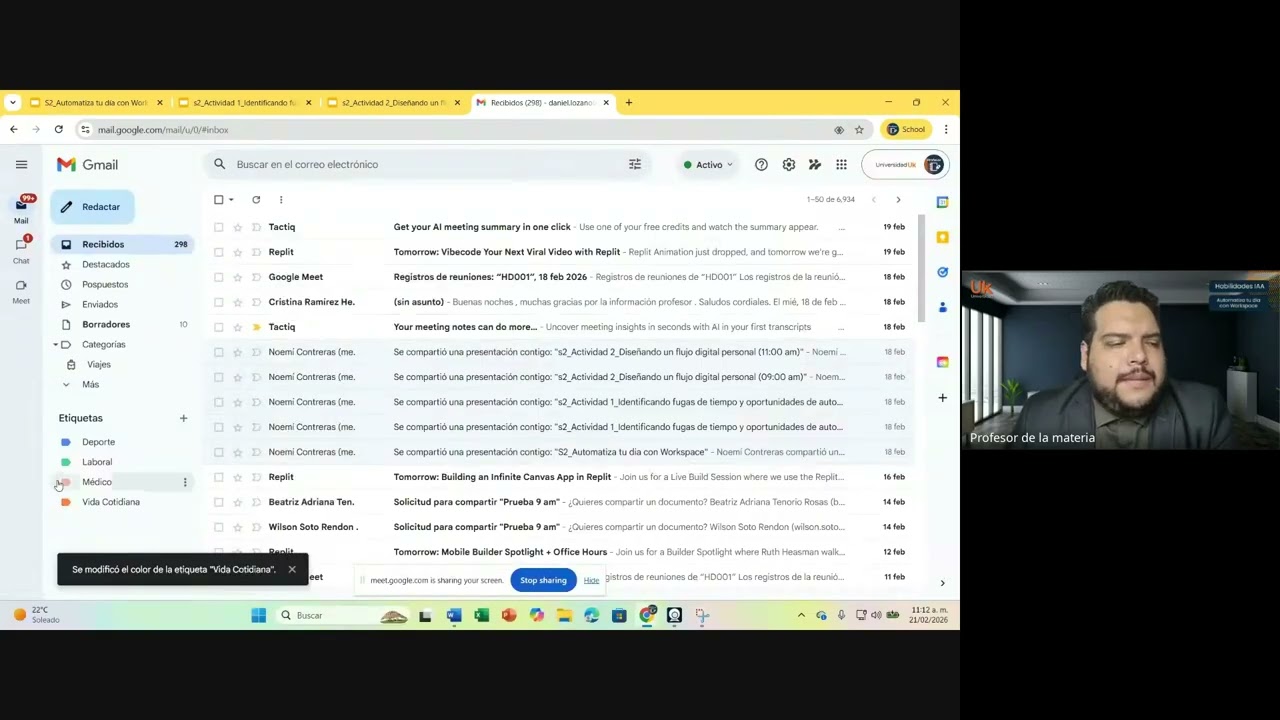
The video is a practical tutorial on using Gmail and Google Calendar, with live demonstrations and Q&A. The information is accurate and aligns with standard Google Workspace features, but it lacks citations or references to official documentation. The instructor demonstrates competence, but the content is basic and not deeply technical.
Key Moments
Markers derived by PSI from the transcript: the creator did not define chapters.
- Introduction and class rules
- Introduction to the topic: Automating your day with Workspace
- Gmail labels and organization
- Q&A about email storage and subscriptions
- Google Calendar demonstration: creating events and reminders
- Discussion on tasks vs. reminders and integration with Gmail
- Q&A about extensions and calendar notifications
- Group activity instructions and breakout rooms
Contribution & Novelties
The video offers a practical, classroom-style tutorial on using Gmail and Google Calendar for productivity, which is useful for beginners. It demonstrates real-time problem-solving and addresses common user questions. However, it does not introduce new concepts or advanced techniques.
Pour aller plus loin :
- Gmail Help Center — Official documentation for Gmail features.
- Google Calendar Help Center — Official documentation for Google Calendar.
- Inbox Zero Method — A productivity method related to email management.
74 words
Radar Profile
The radar profile shows moderate scores across all dimensions, with a slightly lower level of technical depth. This indicates a basic tutorial that is reliable but not comprehensive.