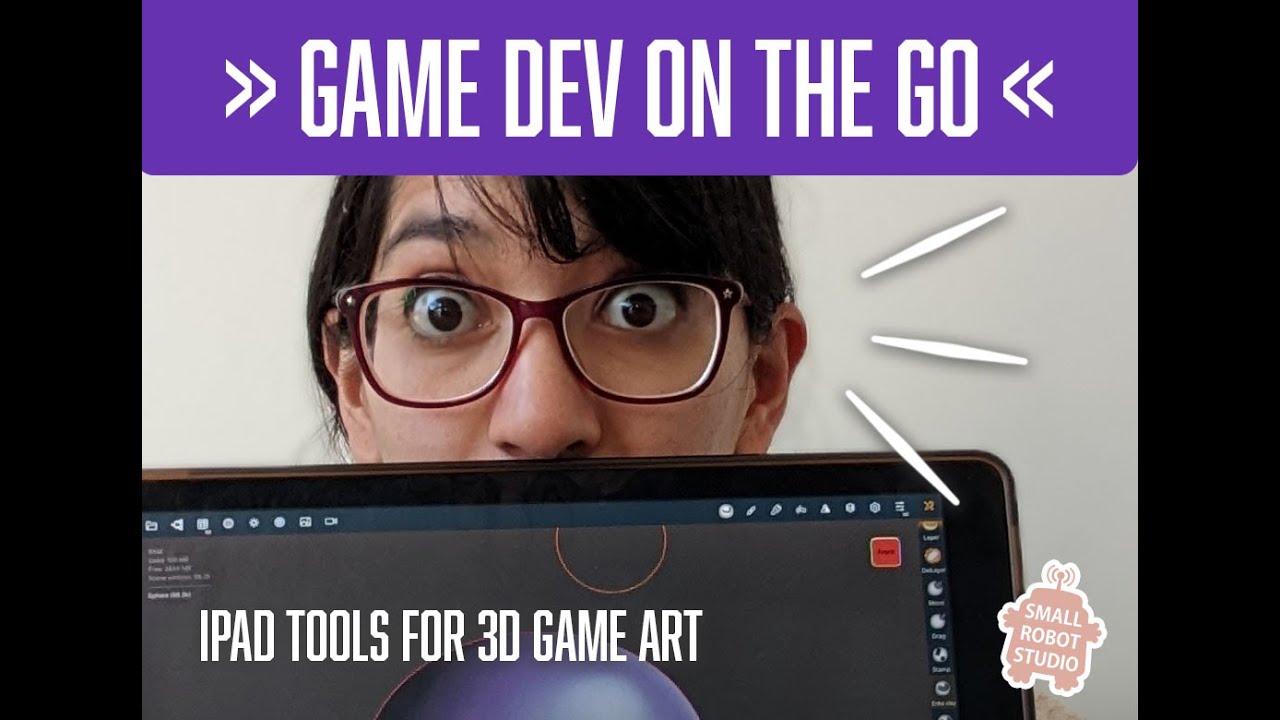
Game Dev On the Go: iPad tools for 3D Game Art | Érika Casab | NZGDC 2025
Keywords
Summary
196 words
Critical Evaluation
Value of the Information & Strength of the Argument
The talk provides valuable insights into the current state of iPad software for 3D game art, based on the speaker’s hands-on experience. Casab offers a balanced perspective, highlighting both strengths and limitations of each tool. Her argumentation is solid, as she supports her claims with live demonstrations and personal workflow examples. She also addresses potential concerns, such as the cost and future of certain apps, and provides practical advice for artists considering integrating iPads into their pipelines. The information is highly relevant for game artists and 3D enthusiasts, offering a realistic view of what iPads can and cannot do.
Scientific Rigor, Source Quality, Title Accuracy
The talk demonstrates a high level of scientific rigor in the sense that the speaker is transparent about her methods and criteria for selecting apps. She clearly states her filtering criteria and explains why certain apps were excluded. However, the talk lacks formal citations or references to external sources, relying primarily on anecdotal evidence and personal experience. The title accurately reflects the content, and the talk is well-structured, with clear sections for each stage of the pipeline. The speaker also provides practical tips and acknowledges the limitations of the tools, which enhances credibility.
207 words
Title / Content Match
The title accurately reflects the content, which focuses on iPad tools for 3D game art, presented at a game developers conference.
Quality & Reliability
8/10
The talk is based on the speaker's extensive professional experience as a game artist, with practical demonstrations and comparisons of iPad tools. The information is accurate and up-to-date, though it is primarily anecdotal and subjective, lacking formal citations or empirical data.
Key Moments
Markers derived by PSI from the transcript: the creator did not define chapters.
- Introduction: Speaker introduces herself and her background in 2D and 3D art.
- Overview of iPad potential and comparison to PC counterparts.
- Demonstration of ZBrush on iPad for base mesh creation.
- Nomad Sculpt: detailed sculpting and blocking techniques.
- Cozy Blanket: retopology and UV mapping with pen gestures.
- Texturing with Procreate and its limitations for 3D.
- Final thoughts and Q&A.
Cited Sources
- ZBrush for iPad — Mentioned as the primary sculpting tool used for base mesh creation.
- Nomad Sculpt — Used for detailed sculpting and blocking; praised for its curve tools.
- Cozy Blanket — Used for retopology and UV mapping; noted for its intuitive pen-based workflow.
- Procreate — Used for texturing but found lacking for 3D; recommended for 2D painting.
Concurring Sources
- ZBrush for iPad — The speaker's positive experience aligns with the app's official features and capabilities.
- Nomad Sculpt — The app's official website confirms its features and pricing, matching the speaker's description.
Dissenting Sources
- Procreate for 3D — The speaker criticizes Procreate's 3D texturing capabilities, but the app's official marketing may suggest otherwise.
Contribution & Novelties
The talk provides a practical, hands-on evaluation of iPad tools for 3D game art, offering a unique perspective from a professional artist. It highlights the strengths and weaknesses of each app, helping viewers make informed decisions. The speaker also shares her personal workflow, which is valuable for artists considering similar pipelines.
Pour aller plus loin :
- ZBrush — Overview of ZBrush software and its features.
- Nomad Sculpt — Official website with tutorials and community resources.
- Cozy Blanket — Official page with documentation and updates.
- Procreate — Official site with features and tutorials.
- Digital sculpting — General concept of digital sculpting in 3D art.
103 words
Radar Profile
The radar profile shows high scores in quantity and quality of information, indicating a well-informed talk. The technical level is moderate, suitable for a broad audience. The overall reliability is high, reflecting the speaker's expertise and transparent methodology.
💬 Sur les 0 commentaires analysés, aucune tendance n'est disponible.