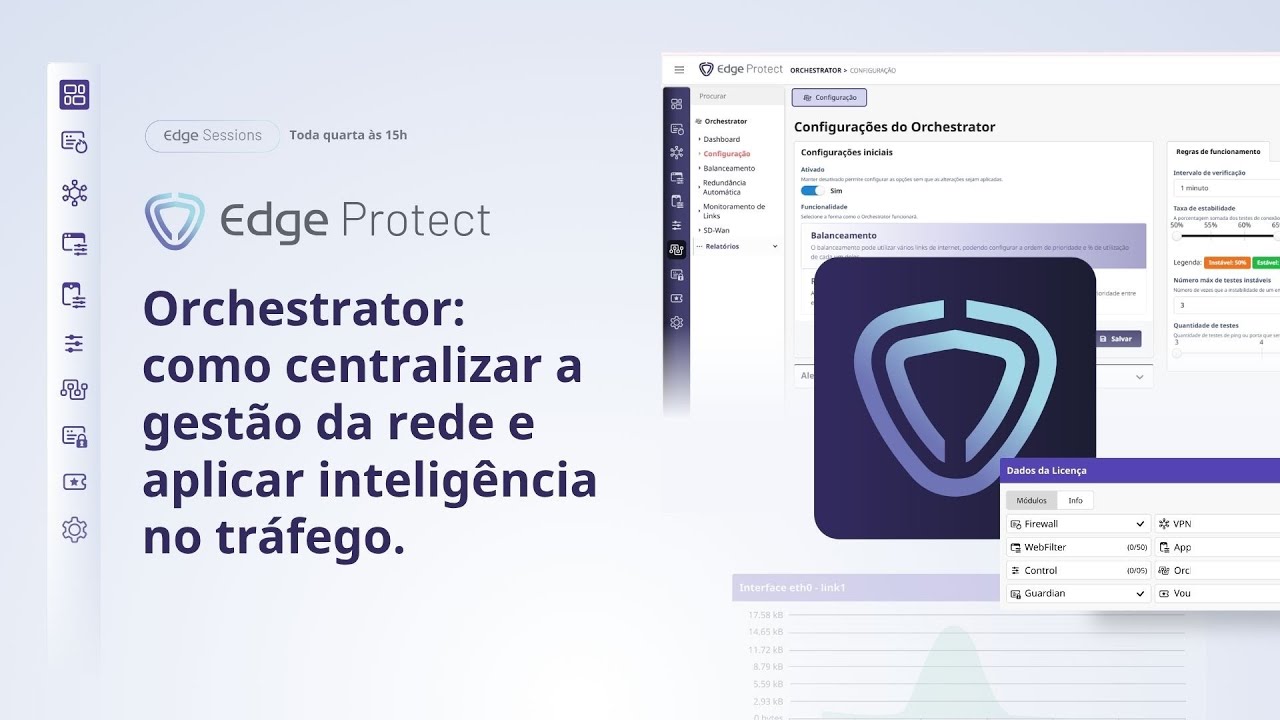
Edge Sessions #8 | Orchestrator: como centralizar a gestão da rede e aplicar inteligência no tráfego
Keywords
Summary
163 words
Critical Evaluation
Value of the Information & Strength of the Argument
The video provides valuable, practical information for network administrators, particularly those using Edge Protect. It explains complex concepts like load balancing and failover in an accessible manner, with real-world examples and configuration walkthroughs. The argumentation is solid, as the presenter justifies recommendations (e.g., preferring load balancing over simple failover) with logical reasoning and use cases. However, the content is product-specific and may not be generalizable to other solutions.
Scientific Rigor, Source Quality, Title Accuracy
The video is a product tutorial, so it does not cite external scientific sources. The information is based on the presenter’s expertise and the product’s documentation. The title accurately reflects the content. No comments were provided for analysis.
121 words
Title / Content Match
The title accurately reflects the content, which focuses on the Orchestrator module for network management and traffic intelligence.
Quality & Reliability
7/10
The video is a technical tutorial by a company representative, demonstrating the Orchestrator module of their Edge Protect product. It provides practical configuration details and real-world examples, but lacks external references and independent verification. The information is specific to the product and may be biased towards its capabilities.
Key Moments
Markers derived by PSI from the transcript: the creator did not define chapters.
- Introduction to the Orchestrator module and its importance.
- Explanation of automatic redundancy (failover) vs load balancing.
- Configuration of monitoring endpoints and stability thresholds.
- Demonstration of link status and traffic flow visualization.
- Setting up email alerts and integration with Start One.
- Example of using load balancing with 100% on primary link and VPN on secondary.
- Explanation of how traffic is rerouted when a link goes down.
- Discussion on data collection and diagnosing network issues.
- Future integrations and roadmap (e.g., Zabbix).
- Q&A and closing remarks.
Contribution & Novelties
The video offers a detailed, practical guide to the Orchestrator module, which is a specific feature of the Edge Protect product. It provides insights into configuration best practices and real-world troubleshooting scenarios. The content is particularly useful for MSPs and IT managers looking to optimize network reliability.
Pour aller plus loin :
- Load balancing (computing) — Provides a general overview of load balancing techniques.
- Failover — Explains the concept of automatic failover in high-availability systems.
- Zabbix — An open-source monitoring tool that can be integrated for network monitoring.
88 words
Radar Profile
The radar profile shows high scores in quantity of information and technical level, indicating a content-rich tutorial. However, the lower scores in quality of information and global reliability reflect the lack of external sources and potential bias as a product demonstration.