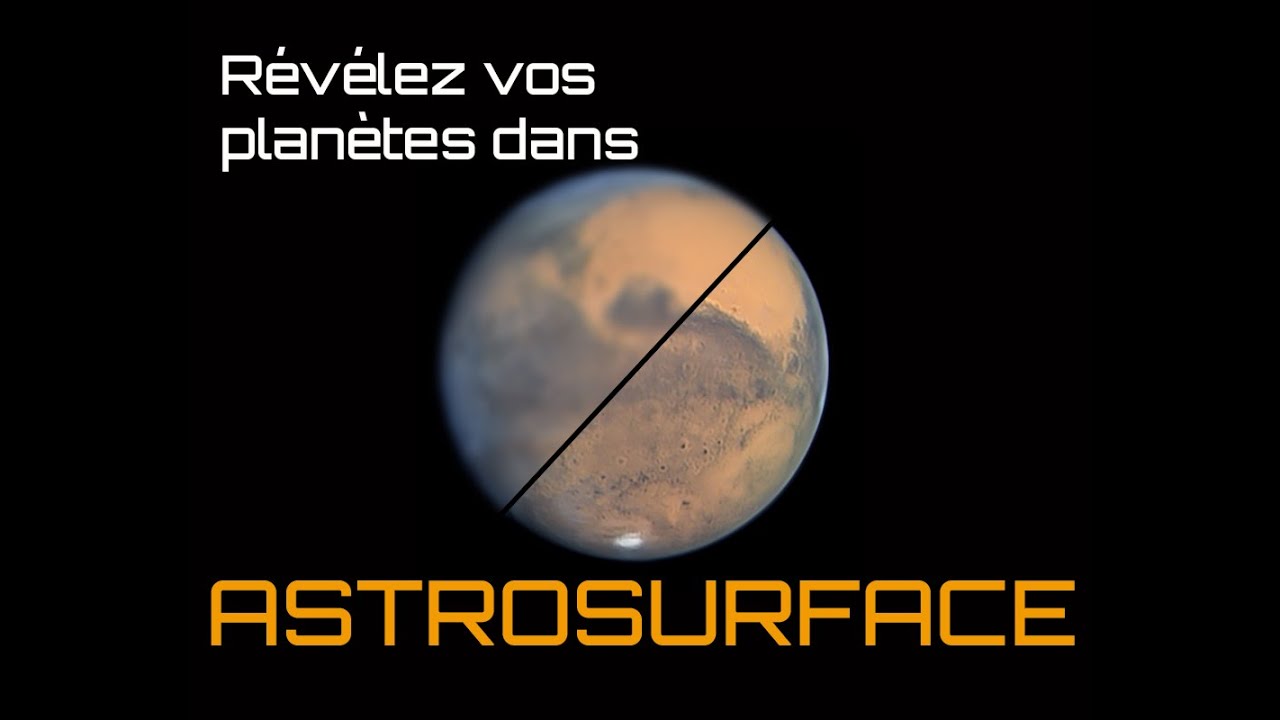
Une pépite : tuto du nouveau logiciel ASTROSURFACE #freeware
Keywords
Summary
126 words
Critical Evaluation
Value of the Information & Strength of the Argument
The video provides practical, hands-on guidance for using Astrosurface, a relatively new free software. The presenter demonstrates each step clearly, showing the effects of different settings on a real Jupiter image. The argumentation is based on personal experience and visual results, which is appropriate for a tutorial. The value lies in the time-saving tips, such as batch processing and saving settings, which are useful for amateur astrophotographers. The reasoning is straightforward and logical, though it lacks deep scientific explanation of the underlying algorithms.
Scientific Rigor, Source Quality, Title Accuracy
The tutorial is scientifically sound in its approach, as it follows standard practices in planetary image processing, such as wavelet sharpening and noise reduction. However, it does not cite specific scientific sources or studies. The only external link is to the official Astrosurface website, which is appropriate. The title accurately reflects the content, and the video is well-structured. The presenter’s expertise is evident, and the information is reliable for practical purposes. The lack of citations is typical for a tutorial and does not significantly detract from its usefulness.
186 words
Title / Content Match
The title accurately reflects the content: a tutorial for the free software Astrosurface.
Quality & Reliability
7/10
The tutorial is clear and practical, based on the author's direct experience with the software. The scientific basis is sound but not deeply explained, and no external sources are cited beyond the software's official site.
Key Moments
Markers derived by PSI from the transcript: the creator did not define chapters.
- Introduction and context of the tutorial
- Opening an image in Astrosurface
- Applying wavelet sharpening and adjusting high/low frequency
- Noise reduction filters and PSF deconvolution
- Saving settings and batch processing multiple images
- Correcting atmospheric refraction by shifting color channels
- Basic adjustments: saturation, white balance, gamma
- Final tips and promotion of the special issue
Cited Sources
- Astrosurface official website — The software being demonstrated in the tutorial.
- Ciel & Espace article on astrophotography special issue — Related to the special issue and additional tutorials.
- JLuc Dauvergne's YouTube playlists — For further planetary imaging tutorials.
Concurring Sources
- Astrosurface official website — The software's official site, which likely contains documentation and updates.
Contribution & Novelties
This tutorial provides a concise and practical introduction to Astrosurface, a relatively new free software for planetary image processing. It highlights key features such as wavelet sharpening, batch processing, and color correction, which are essential for amateur astrophotographers. The video’s contribution is its accessibility and focus on workflow efficiency.
Pour aller plus loin :
- Wavelet transform — Relevant to the wavelet sharpening technique used in the software.
- Point spread function — Explains the PSF deconvolution concept mentioned in the video.
- Atmospheric refraction — Related to the color channel shifting correction for atmospheric dispersion.
93 words
Radar Profile
The radar profile shows balanced scores across all dimensions, with slightly higher scores in information quantity and quality, reflecting the tutorial's practical value. The technical level is moderate, suitable for beginners, while reliability is good based on the presenter's experience.
💬 No comments were provided for analysis.