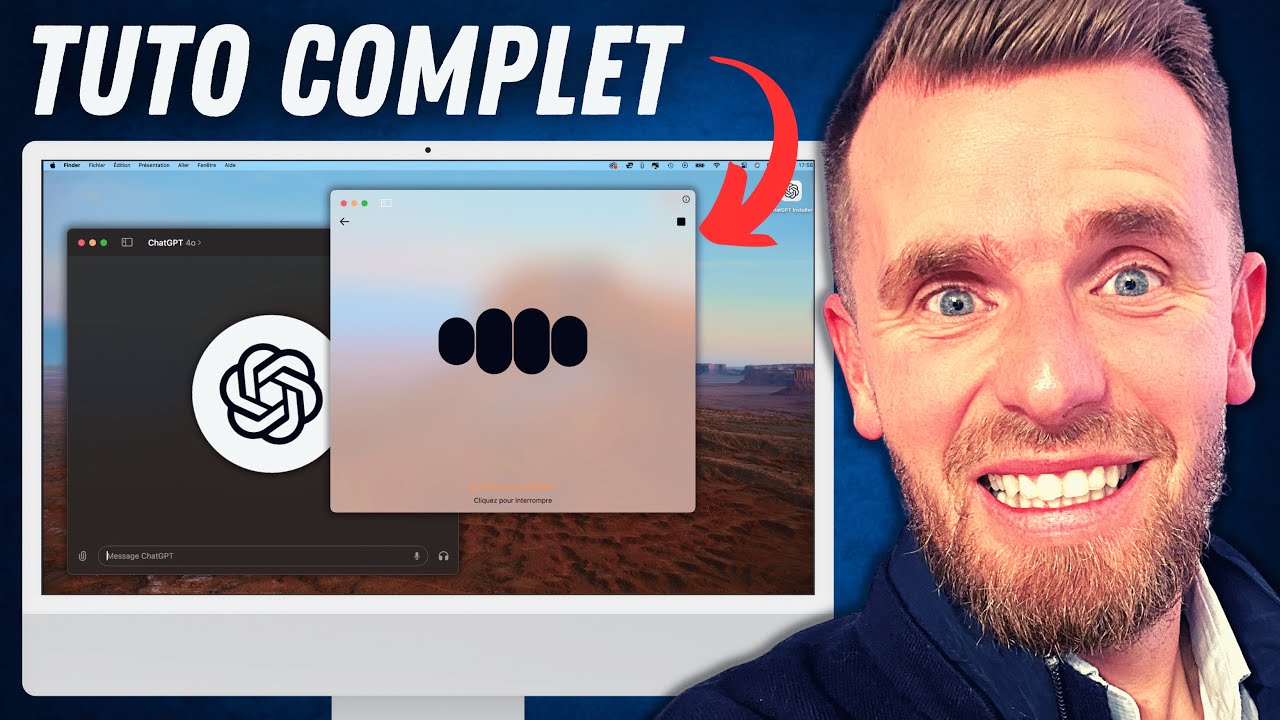
Comment utiliser la nouvelle App ChatGPT (sans attendre)
Keywords
Summary
152 words
Critical Evaluation
Value of the Information & Strength of the Argument
The video provides high practical value by demonstrating real-world use cases of the ChatGPT desktop app, such as summarizing web content, analyzing spreadsheets, and automating email drafting. The demonstrations are clear and show the app’s capabilities in a hands-on manner. The argumentation is solid, as the presenter shows the app working in real-time, which builds credibility. However, the promotional segments for his training course are interspersed, which slightly detracts from the purely informational value. The tips for installation and the workaround for the activation bug are particularly useful.
Scientific Rigor, Source Quality, Title Accuracy
The video references official OpenAI sources, including the community forum and help center, which adds to its reliability. The title accurately reflects the content, as the video is indeed a tutorial on using the new ChatGPT app. The presenter also links to his own resources and other tutorials, which are relevant. The scientific rigor is moderate, as the video is more of a practical guide than a scientific analysis, but the information provided is accurate and well-demonstrated. The comments show a positive reception, with users appreciating the detailed tutorial and the workaround.
195 words
Title / Content Match
The title accurately reflects the content: a tutorial on using the new ChatGPT desktop app, including installation and feature demonstrations.
Quality & Reliability
7/10
The video is a practical tutorial demonstrating the ChatGPT desktop app's features. It is based on direct experience and official sources (OpenAI community and help pages). The content is accurate for the time of publication, but some features may have evolved. The presenter's promotional segments are clearly separated from the tutorial content.
Chapters
Cited Sources
- ChatGPT Desktop App for Mac - OpenAI Community — Official announcement and discussion about the ChatGPT desktop app for Mac.
- Using the ChatGPT macOS app - OpenAI Help Center — Official documentation on how to use the ChatGPT macOS app.
- Formation Automatiser ChatGPT — Promotional link to the presenter's training course on automating ChatGPT.
- Ressources IA Gratuites — Free AI resources (prompts and GPTs) offered by the presenter.
Concurring Sources
- ChatGPT Desktop App for Mac - OpenAI Community — Official source confirming the app's availability and features.
- Using the ChatGPT macOS app - OpenAI Help Center — Official documentation that aligns with the video's instructions.
External References
Contribution & Novelties
The video offers a comprehensive, hands-on tutorial for the ChatGPT desktop app, covering features that were new at the time, such as the voice mode with screen sharing and the global shortcut. It provides practical examples of using the app in real workflows, which is valuable for users. The workaround for the activation bug is a unique contribution.
Pour aller plus loin :
- ChatGPT - OpenAI — Official product page for ChatGPT.
- GPT-4o - OpenAI — Announcement of the GPT-4o model.
- Retrieval-Augmented Generation (RAG) - Wikipedia — Concept related to AI information retrieval, relevant to the app’s capabilities.
98 words
Radar Profile
The radar profile shows high scores in information quantity and quality, with moderate technical depth and reliability. This indicates a well-rounded tutorial that is informative and practical, though not deeply technical or scientifically rigorous.
💬 Très positif. Sur les 30 commentaires analysés, la majorité exprime des remerciements et des éloges pour la qualité du tutoriel, avec plusieurs utilisateurs confirmant que l'astuce d'installation a fonctionné.