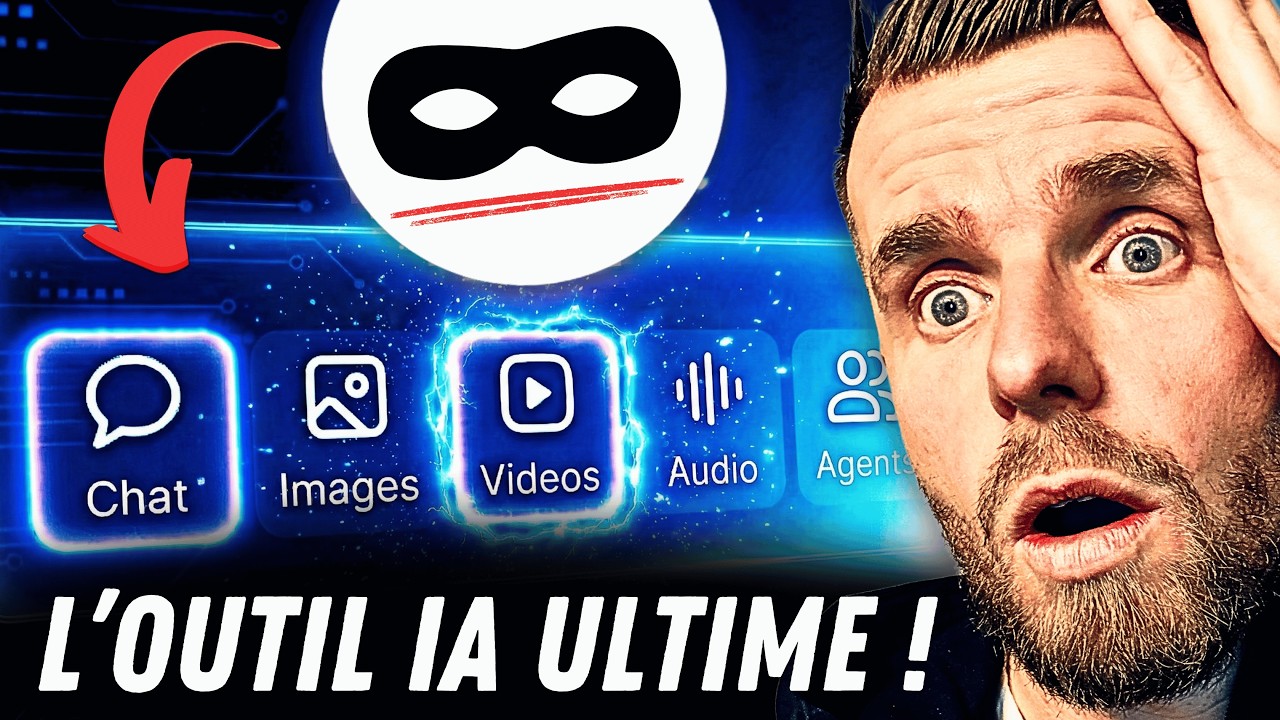
Cet Outil IA fait TOUT ! (Textes, Images, Vidéos, Agents...)
Keywords
Summary
132 words
Critical Evaluation
The video provides a comprehensive overview of the OpenAI Playground, demonstrating its capabilities in a clear and practical manner. The creator, Ludo Salenne, walks through the interface step by step, showing how to use different models, adjust parameters, and leverage tools like web search and file processing. The tutorial is well-structured, with chapters that allow viewers to navigate easily. The content is accurate and up-to-date, reflecting the platform’s features as of late 2025. However, the video is heavily promotional, with multiple mentions of the creator’s paid training course, which may detract from the objectivity of the content. The scientific rigor is moderate: while the demonstrations are real, there is no critical analysis of the AI’s limitations or potential biases. The sources cited are primarily the creator’s own resources and the OpenAI platform, which are relevant but not independent. The title accurately reflects the content, and the tutorial is suitable for beginners and intermediate users. Overall, the video is informative and practical, but viewers should be aware of the promotional aspects and seek additional sources for a balanced understanding.
178 words
Title / Content Match
The title accurately reflects the content: the video showcases the OpenAI Playground as a versatile AI tool for text, images, videos, and agents.
Quality & Reliability
7/10
The video is a practical tutorial demonstrating the OpenAI Playground platform. The creator shows real-time usage and provides step-by-step instructions. However, the content is promotional, with multiple mentions of a paid training course, and the creator's expertise is not formally verified. The information is accurate based on the platform's features at the time, but may become outdated quickly.
Chapters
- C'est quoi le Playground OpenAI ?
- La partie "Chat"
- Test avec un 1er Prompt
- Travailler avec des fichiers
- Créer des slides
- Créer sa banque de Prompts
- Les variables de Prompts
- C'est super pratique ça !
- Générer des images
- Créer une pub pour Instagram
- Créer des vidéos IA avec Sora 2
- L'avantage du Playground OpenAI
- Là j'ai besoin de vous....!
- Combien ça coûte ?
- Créer un Assistant IA
- J'automatise GPT et Sora 2
- Créer des Agents IA
- Connecter des MCP
- Créer un assistant vocal IA
- Je suis bon ou pas ? Haha !
Cited Sources
- Trustpilot Reviews — Mentioned as evidence of customer satisfaction for the creator's training course.
- Formation ChatGPT — Promoted as a paid training course that covers the Playground in more depth.
- Ressources IA gratuites — Free resources including prompts and mini-trainings.
- OpenAI Playground — The main platform demonstrated in the video.
Concurring Sources
- OpenAI Playground — The platform itself, which the video demonstrates.
External References
Contribution & Novelties
The video provides a practical, hands-on introduction to the OpenAI Playground, highlighting its versatility and cost-effectiveness. It goes beyond basic chat usage by demonstrating file processing, slide generation, image and video creation, and agent building. The tutorial offers valuable tips on parameter tuning and model selection to optimize performance and cost.
Pour aller plus loin :
- OpenAI API Documentation — Official documentation for the Playground and API, useful for advanced usage.
- Sora 2 Overview — Information on OpenAI’s video generation model, Sora 2.
- Model Context Protocol (MCP) — Official site for MCP, a standard for connecting AI models to external tools.
- Prompt Engineering Guide — Comprehensive guide on prompt engineering techniques.
111 words
Radar Profile
The radar profile shows high scores in information quantity and quality, with moderate technical depth and reliability. This indicates a well-structured tutorial that provides substantial practical information, though it may not delve deeply into theoretical or technical aspects.