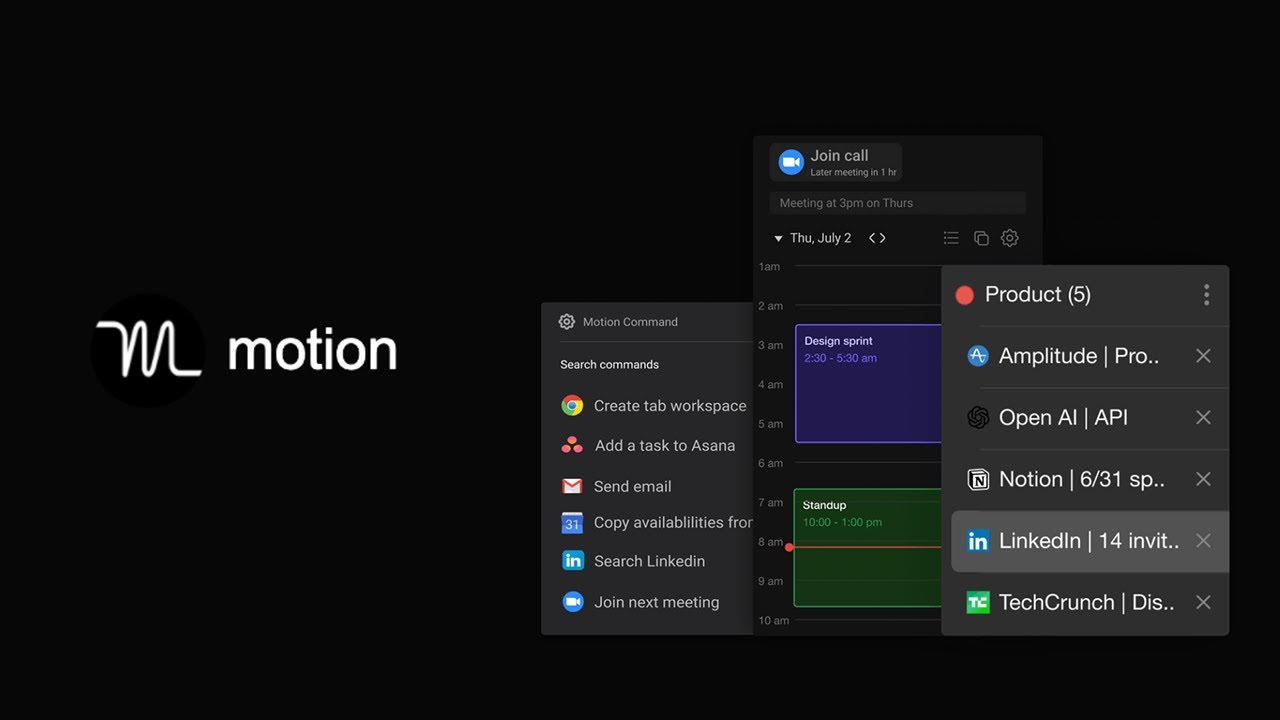
Motion — La meilleure manière de travailler dans Google Chrome
Keywords
Summary
137 words
Critical Evaluation
Value of the Information & Strength of the Argument
The video provides valuable, practical information about the Motion extension, demonstrating each feature in real-time. The argumentation is based on personal experience and the perceived value of time saved. The creator makes a compelling case for the subscription cost by quantifying the time saved. However, the argumentation is one-sided, with no discussion of potential drawbacks or alternatives. The demonstrations are clear and easy to follow, making the information actionable for viewers.
Scientific Rigor, Source Quality, Title Accuracy
The video is a tutorial with no external sources cited. The creator relies on his own experience and demonstrations, which limits the scientific rigor. The title accurately reflects the content, focusing on using Motion to improve work in Chrome. The video does not engage with any research or comparative studies, so the claims are subjective. The lack of sources is a weakness, but the practical nature of the content mitigates this to some extent.
160 words
Title / Content Match
The title accurately reflects the content, which focuses on using Motion to enhance productivity in Google Chrome.
Quality & Reliability
6/10
The video is a practical tutorial demonstrating the features of the Motion browser extension. The creator provides clear, step-by-step explanations and shows real usage, but there is no critical evaluation or comparison with alternatives. The information is subjective and based on personal experience, with no external sources cited.
Key Moments
Markers derived by PSI from the transcript: the creator did not define chapters.
- Introduction to the masterclass and the Motion extension.
- Overview of Motion's value proposition and pricing.
- Demonstration of the calendar feature with Option+C.
- How to quickly join meetings with Option+M.
- Using Option+A to copy availability for scheduling.
- Quick access to Google Docs with Option+D.
- Sending quick emails with Option+E.
- LinkedIn search with Option+L and mini Google search with Option+G.
- Taking notes with Option+N and managing tabs with Option+T.
- Distraction blocker and Pomodoro timer features.
Contribution & Novelties
The video provides a comprehensive overview of the Motion extension, highlighting its unique features such as the calendar overlay, quick email, and distraction blocker. It offers practical tips for integrating Motion into daily workflows.
Pour aller plus loin :
- Pomodoro Technique — A time management method mentioned in the video.
- Browser extension — General concept of browser extensions.
- Keyboard shortcut — The video heavily relies on keyboard shortcuts for efficiency.
70 words
Radar Profile
The radar profile shows moderate scores across all dimensions, with a slight emphasis on quantity of information and technical level. This reflects a practical tutorial that provides a good amount of information but lacks depth in terms of critical evaluation and source rigor.
💬 No comments were provided for analysis.