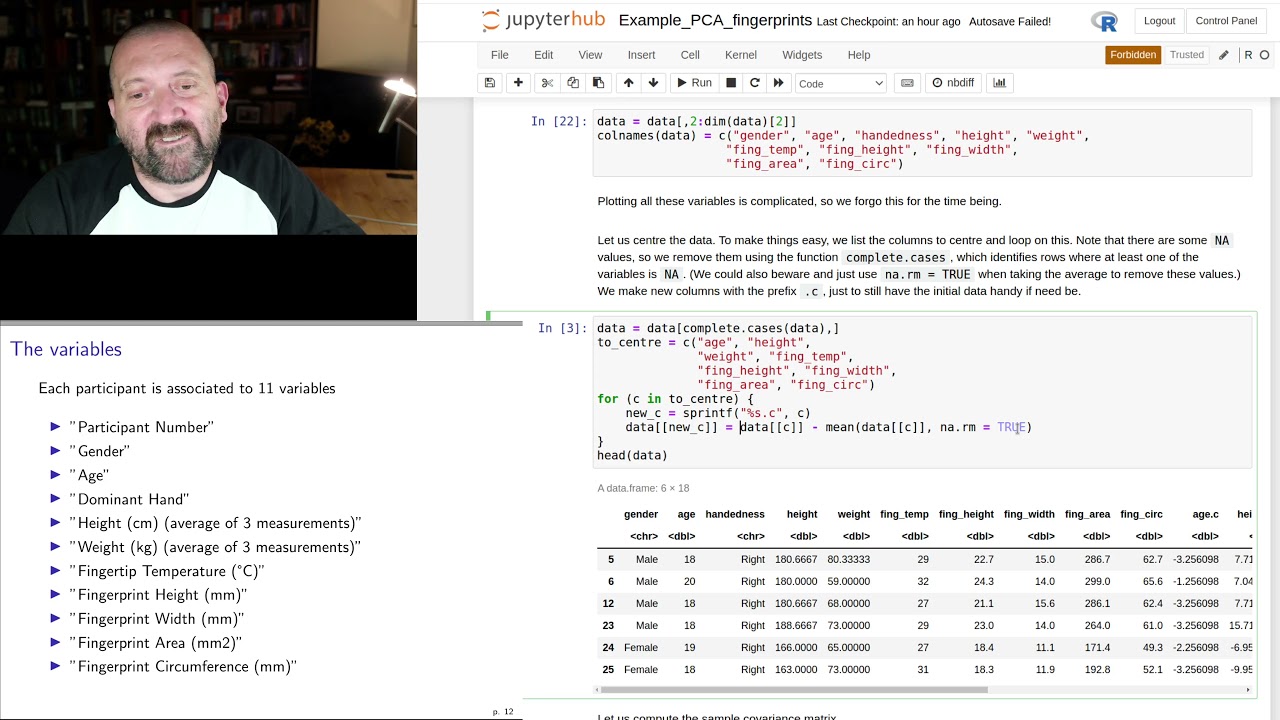
UofM - MATH 2740 - Lecture 12 - Part 1 - PCA (computer example 2)
Keywords
Summary
125 words
Critical Evaluation
Value of the Information & Strength of the Argument
The video provides a practical, hands-on demonstration of PCA in R, which is valuable for students learning to apply the technique. The instructor explains each step clearly, from data preprocessing to interpretation of results. He also highlights common pitfalls, such as handling missing values and ensuring orthogonality. The argumentation is solid, as he justifies each step and shows how to verify the computations. However, the presentation is somewhat informal, and the instructor occasionally encounters errors, which he resolves on the fly. Overall, the content is informative and well-structured, though it lacks depth in explaining the underlying mathematical concepts.
Scientific Rigor, Source Quality, Title Accuracy
The video is a lecture, so it does not cite external sources. The instructor references the dataset from a URL mentioned in the description, but no formal citations are provided. The title accurately reflects the content, which is a lecture on PCA with a computer example. The scientific rigor is moderate: the instructor demonstrates correct procedures but does not provide references or discuss limitations in depth. The adéquation between title and content is good.
187 words
Title / Content Match
The title accurately describes the content: a lecture on PCA with a computer example.
Quality & Reliability
7/10
The video is a lecture demonstrating PCA implementation in R. It is educational, with clear explanations and code walkthroughs. However, it lacks formal citations and references, and the presentation is informal with some technical issues (e.g., centering discrepancies).
Key Moments
Markers derived by PSI from the transcript: the creator did not define chapters.
- Introduction to the lecture and dataset.
- Loading data from Excel and cleaning.
- Centering the data and creating centered columns.
- Computing covariance matrix and eigenvalues.
- Using prcomp function and summary.
- Creating biplot and interpreting results.
- Grouping by handedness and fixing labels.
- Adding ellipses and concluding remarks.
Cited Sources
- Fingerprint dataset — The instructor mentions a dataset linked in the description, but the exact URL is not provided in the video.
Concurring Sources
- Principal Component Analysis (Wikipedia) — General reference for PCA.
Contribution & Novelties
The video provides a practical, step-by-step guide to performing PCA in R, which is valuable for students. It demonstrates both manual computation and the use of built-in functions, and includes visualization techniques. The instructor also addresses common issues like missing data and data cleaning.
Pour aller plus loin :
- Principal Component Analysis (Wikipedia) — Overview of PCA concepts.
- prcomp function documentation (R) — Official documentation for the prcomp function.
- Biplot (Wikipedia) — Explanation of biplot visualization.
76 words
Radar Profile
The radar profile shows balanced scores across all dimensions, with slightly lower reliability due to lack of formal citations. The video is strong in practical demonstration but moderate in theoretical depth.
💬 No comments were provided for analysis.