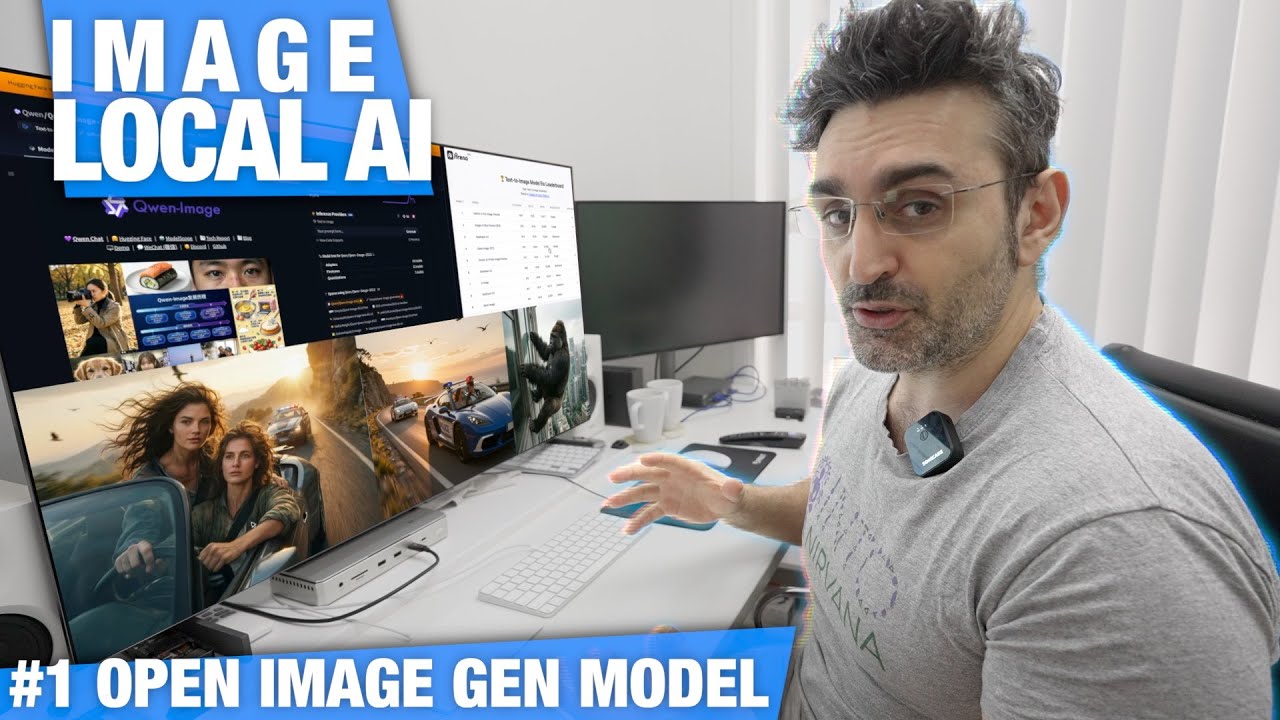
How to Run Qwen-Image-2512 on Mac | FREE Local AI Image Generator w/ xCreate
Keywords
Summary
152 words
Critical Evaluation
Value of the Information & Strength of the Argument
The video offers practical value for users interested in running state-of-the-art open-weights image generators locally. It delivers a thorough step-by-step demonstration, including memory requirements, interface navigation, and performance benchmarks across two Mac models. The argumentation is based on direct observation and testing; the host clearly explains trade-offs between quality and speed, and provides concrete timings. The comparison with Z-Image-Turbo adds perspective, and the license discussion is relevant for commercial users. The argumentation would benefit from a more systematic quantitative evaluation of image quality (e.g., FID scores) and acknowledgment of potential biases in the test setup (e.g., OBS running on one machine), but overall the claims are credible and reproducible.
Scientific Rigor, Source Quality, Title Accuracy
The video does not cite academic sources but relies on the practical experience of the host. The product links are affiliate-laden but provide direct access to the tools discussed. The companion videos and the xCreate app are referenced, which adds contextual value. The content aligns well with the title, which accurately describes the tutorial. The host openly mentions the Apache 2.0 license and the model’s ranking, but does not link to an official benchmark. The presentation is transparent about the test environment, though the lack of controlled conditions could affect reproducibility. Overall, the rigor is consistent with a practical tech tutorial, not a scientific paper.
229 words
Title / Content Match
The title accurately reflects the content: a step-by-step tutorial on running Qwen-Image-2512 locally on a Mac using the xCreate app, with the promise of being free and local.
Quality & Reliability
7/10
The video provides clear, practical instructions with live performance benchmarks on Apple Silicon. The author acknowledges the testing environment is not fully controlled (OBS running on one machine), but gives reproducible results. Claims about the model's capabilities are based on visual inspection, not systematic quantitative evaluation. The Apache 2.0 license claim is verifiable, and the model ranking is stated without a cited benchmark source.
Key Moments
Markers derived by PSI from the transcript: the creator did not define chapters.
- Introduction to Qwen-Image-2512 and its capabilities.
- Downloading and setting up Qwen-Image in xCreate via Hugging Face.
- Memory usage check with Activity Monitor; model fits into 128GB MacBook Pro.
- First generation at quality 5; 52 seconds on Mac Studio.
- Comparison at quality 10 and 20; image sharpness improves significantly.
- Final side-by-side with Z-Image-Turbo and parental controls demonstration.
Cited Sources
- Xcreate App — The application used to run Qwen-Image locally.
- Mac Studio — Product link with affiliate tracking; the Mac Studio used for testing.
- MacBook Pro — Product link with affiliate tracking; the MacBook Pro used for testing.
- Recommended NAS Drive — Affiliate link to a NAS recommended for storage.
- Support the channel — Link for viewers to support the channel.
- Z-Image-Turbo video — Companion video comparing Z-Image-Turbo.
- DeepSeek V3.2 video — Companion video for DeepSeek.
- Kimi K2 Thinking video — Companion video for Kimi.
- Mac Studio Review — Companion review of Mac Studio.
Concurring Sources
- Qwen-Image official repo — The model's official repository confirms architectural details and license.
- Xcreate website — The application page corroborates the workflow shown in the video.
Dissenting Sources
- Flux model benchmark — The video states Flux has commercial restrictions, which is generally known, but no direct source is provided to compare performance or licensing.
Contribution & Novelties
The video provides a timely, practical walkthrough for installing and running the latest Qwen-Image-2512 model on Apple silicon, filling a gap by showing exact memory usage and performance timings across two Mac lines. Its original contribution is the direct comparison of quality steps (5, 10, 20, 50) and the side-by-side with Z-Image-Turbo, giving users a concrete basis for choosing settings. The mention of the Apache 2.0 license clarifies commercial usability.
Pour aller plus loin :
- Diffusion model — Background on the underlying generative technique.
- QwenLM/Qwen-Image GitHub — Official repository for the model, including installation and usage details.
- Apache License 2.0 — Explanation of the open-source license allowing commercial use.
109 words
Radar Profile
The radar profile shows strong performance in quantitative information, qualitative information, and technical level, with slightly lower global reliability due to anecdotal benchmarking and lack of formal evaluation. The video excels at practical guidance and hands-on comparison, but lacks statistically robust claims.