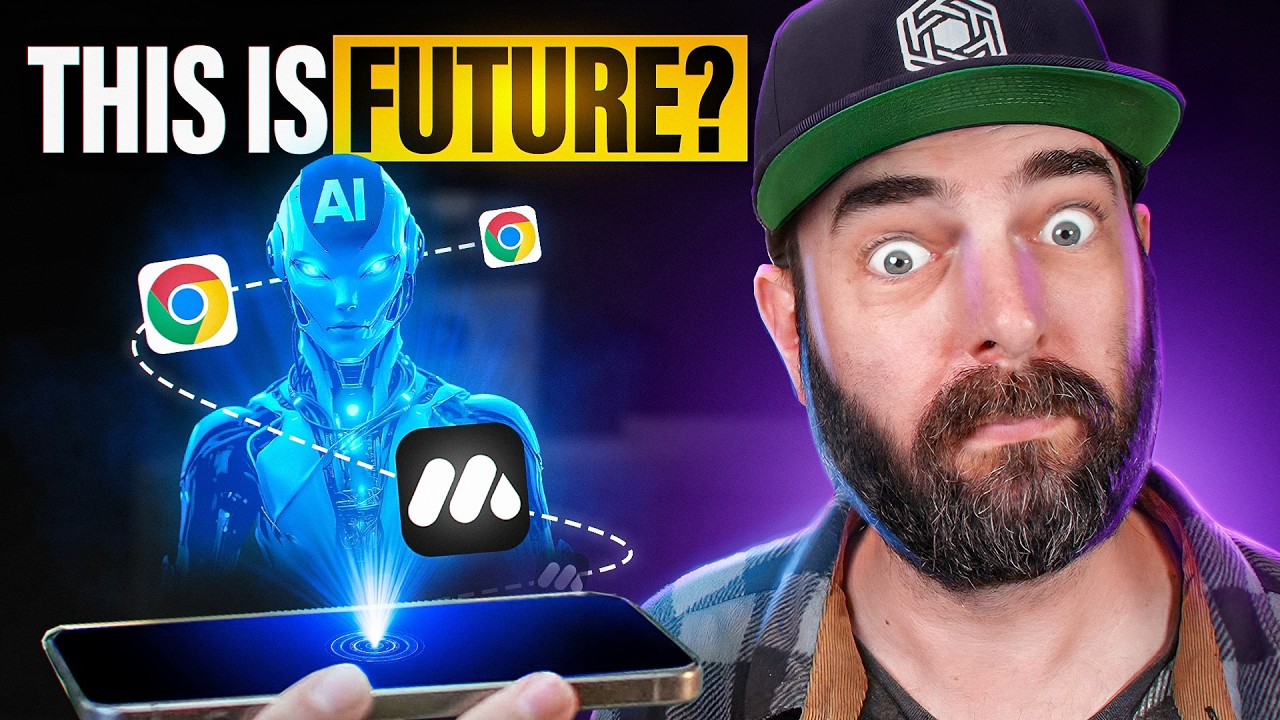
This Chrome Extension Makes AI Agents Super Easy!
Keywords
Summary
119 words
Critical Evaluation
Value of the Information & Strength of the Argument
The video provides a clear, step-by-step demonstration of MindStudio’s capabilities, which is valuable for viewers interested in practical AI automation. The argumentation is based on direct experience, showing real examples of agents in action. However, the video is sponsored, which may introduce a promotional bias. The value lies in the concrete use cases and the visual walkthrough, which help viewers understand the tool’s potential. The argumentation is solid in terms of demonstrating functionality, but it lacks critical analysis of limitations or comparisons with competing tools.
Scientific Rigor, Source Quality, Title Accuracy
The video is a tutorial, and the information is based on the creator’s hands-on testing. The sources cited are primarily the MindStudio platform and related resources, which are relevant but not independent. The title accurately reflects the content, as the video focuses on the Chrome extension and its ease of use. The scientific rigor is moderate; while the demonstrations are clear, the lack of independent verification and the sponsored nature of the video reduce its overall reliability. The comments are overwhelmingly positive, with viewers expressing appreciation for the detailed walkthrough and requesting more such videos.
195 words
Title / Content Match
The title accurately reflects the content: a demonstration of how MindStudio's Chrome extension simplifies AI agent creation and use.
Quality & Reliability
7/10
The video is a hands-on tutorial demonstrating the MindStudio Chrome extension. The information is practical and based on direct experience, but it is sponsored content, which may introduce bias. The technical details are accurate and reproducible, but the evaluation is subjective and lacks independent verification.
Key Moments
Markers derived by PSI from the transcript: the creator did not define chapters.
- Introduction to MindStudio and installation of the Chrome extension.
- Demonstration of pre-built agents, including YouTube to X thread and TLDR.
- Using the analyze comments agent on a YouTube video.
- Overview of additional pre-built agents and their use cases.
- Building a custom GitHub repository analyzer agent from scratch.
- Creating a news article summarizer that posts tweets to X.
- Conclusion and mention of the podcast interview with the founder.
Cited Sources
- MindStudio — The main tool being demonstrated in the video.
- Future Tools — Matt Wolfe's website for AI tools and news, used as a source for articles in the demo.
- Future Tools Newsletter — Weekly newsletter mentioned in the video.
- Podcast with Dmitry — Interview with the founder of MindStudio, mentioned at the end of the video.
Concurring Sources
- MindStudio — The tool itself, which is the primary subject of the video.
External References
Contribution & Novelties
The video provides a practical, hands-on introduction to MindStudio, a no-code AI agent builder that integrates directly into the browser. It showcases both pre-built agents and the process of creating custom workflows, making AI automation accessible to non-programmers. The novelty lies in the demonstration of a Chrome extension that allows users to trigger complex AI workflows with a single click, directly from any webpage.
Pour aller plus loin :
- AI agent — Provides background on AI agents and their types.
- Chrome extension — Official documentation for building Chrome extensions.
- No-code development — Overview of no-code platforms and their impact.
99 words
Radar Profile
The radar profile shows high scores in quantity and quality of information, reflecting the detailed and practical nature of the tutorial. The technical level is moderate, suitable for a general audience, while the reliability is slightly lower due to the sponsored nature of the content.
💬 Très positif. Sur les 30 commentaires analysés, la grande majorité exprime un enthousiasme marqué pour la démonstration détaillée et la découverte de l'outil, avec de nombreuses demandes pour davantage de vidéos de ce type.