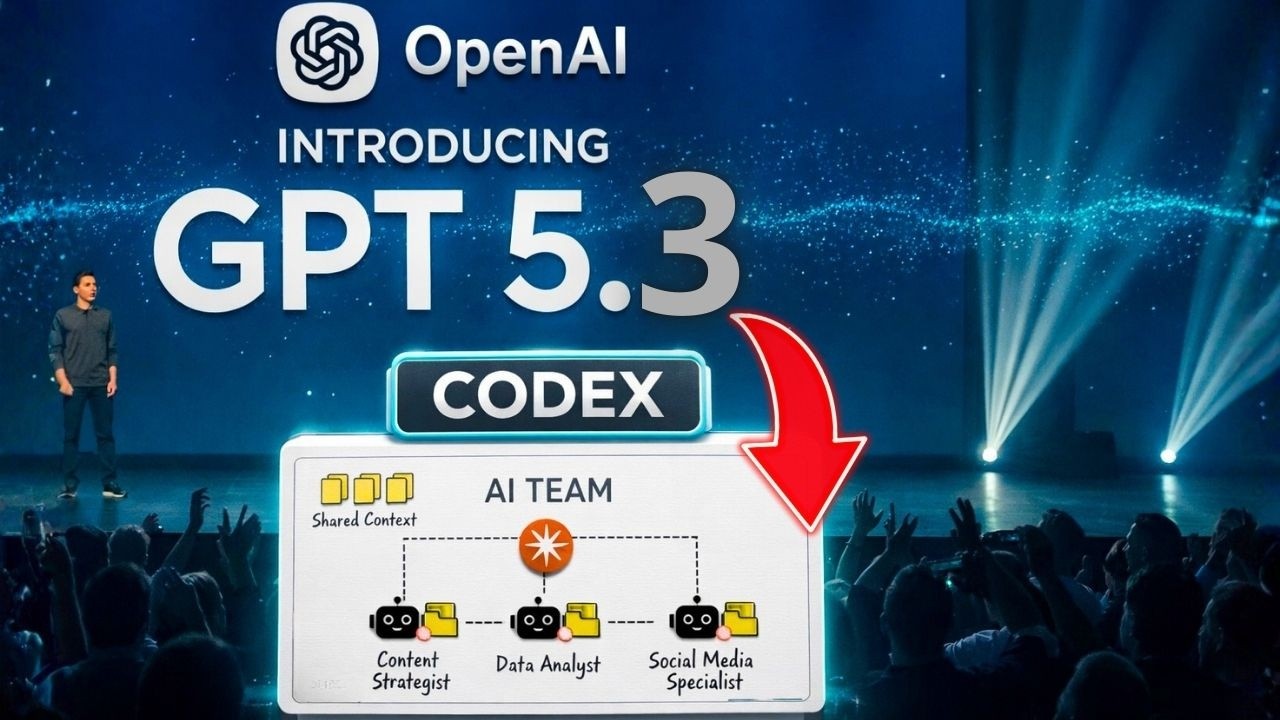
Installe GPT 5.3 Codex sur ton PC | Le guide complet d'automatisation pour débuter!
GPT 5.3 Codex Installation | The Complete Automation Guide for Beginners!
Keywords
Summary
167 words
Critical Evaluation
Value of the Information & Strength of the Argument
The video provides a valuable, hands-on tutorial for a rapidly evolving AI tool, offering clear step-by-step instructions that are easy to follow. The argumentation is structured logically, moving from the conceptual shift to agentic AI, to installation, configuration, and finally a practical use case. The creator effectively demonstrates the power of Codex by showing how it can handle tasks like CV analysis, which makes the content relatable and actionable. However, the argumentation is somewhat undermined by frequent promotional interruptions for the creator’s own training courses, which can feel repetitive and detract from the technical content. The technical explanations are generally sound, but some claims, such as the exact capabilities of GPT-5.3 and the doubling of credits, are presented without external verification, relying on the creator’s own assertions.
Scientific Rigor, Source Quality, Title Accuracy
The video’s scientific rigor is moderate. The creator provides practical, accurate information about installing and configuring Codex, but does not cite external sources or official documentation to support claims about the model’s capabilities or features. The sources mentioned in the description are primarily promotional (links to the creator’s own courses, blog, and social media) and affiliate links, rather than authoritative references. The title accurately reflects the content, which is a beginner-focused tutorial. The video does not engage with any critical evaluation of the tool’s limitations or potential risks beyond a brief mention of MCP security. The public comments (not provided) would be needed to assess audience reception, but based on the content alone, the video is informative but lacks the rigor of a peer-reviewed or officially sourced presentation.
270 words
Title / Content Match
The title accurately reflects the content: a beginner-oriented guide to installing and using GPT-5.3 Codex for automation. The video delivers on this promise with a detailed walkthrough.
Quality & Reliability
6/10
The video provides a practical, step-by-step tutorial for installing and configuring OpenAI Codex (GPT-5.3) on Windows and Mac, with clear explanations of key concepts like MCP servers and sandboxing. However, it contains promotional segments for the creator's own training courses and affiliate links, and some technical claims (e.g., 'GPT-5.3' naming, credit doubling) are not independently verified. The information is generally accurate but presented with a strong commercial bias.
Key Moments
Markers derived by PSI from the transcript: the creator did not define chapters.
- Introduction to GPT-5.3 Codex and the shift to agentic AI
- Overview of the new agentic interface and its capabilities
- Explanation of Codex features and credit system
- Installation guide for Windows and Mac
- Configuring Codex in VS Code and connecting accounts
- Introduction to MCP servers and their security implications
- Connecting external MCP servers like Notion and Rub
- Detailed walkthrough of VS Code interface and settings
- Creating a system prompt for automated CV analysis
- Demonstration of Codex executing the CV analysis task
Cited Sources
- Parlons IA - Dailymotion — Creator's Dailymotion channel, mentioned as an alternative platform for content.
- Parlons IA - Medium Blog — Creator's blog, mentioned for additional articles and resources.
- Parlons IA - Formation IA & Business — Creator's training platform, promoted in the video for courses on AI and business.
- Parlons IA - Podcast — Creator's podcast, mentioned as a resource for AI discussions.
- SEO Agent IA — Affiliate link for an AI tool, mentioned in the description.
Concurring Sources
- OpenAI Codex Documentation — Official documentation that aligns with the video's claims about Codex's features and usage.
- Model Context Protocol (MCP) — Official MCP site that supports the video's explanation of MCP servers and their role in connecting AI to tools.
Dissenting Sources
- OpenAI Blog - GPT-5.3 Announcement — The video refers to 'GPT-5.3' as a specific model, but OpenAI's official blog may not confirm this exact naming, as the creator himself notes that '5.3' is not an official unique name for the ChatGPT interface.
Contribution & Novelties
The video offers a practical, up-to-date tutorial on installing and using OpenAI’s Codex (GPT-5.3), which is a relatively new and rapidly evolving tool. It provides a clear, step-by-step guide that is accessible to beginners, covering installation, configuration, and a real-world use case (CV analysis). The creator’s emphasis on the shift to agentic AI and the importance of learning to configure these tools is a valuable perspective for viewers.
Pour aller plus loin :
- OpenAI Codex Documentation — Official documentation for Codex, providing detailed information on features and usage.
- Model Context Protocol (MCP) — Official site for MCP, explaining the protocol used to connect AI models to external tools.
- VS Code — The code editor used in the tutorial, with documentation on extensions and configuration.
- WSL (Windows Subsystem for Linux) — Microsoft’s official guide for running Linux on Windows, often used for Codex CLI on Windows.
145 words
Radar Profile
The radar profile shows a balanced performance across all dimensions, with slightly higher scores in information quantity and quality, reflecting the tutorial's comprehensive coverage. The technical level is moderate, suitable for beginners, and the overall reliability is decent, though not exceptional due to promotional content and lack of external verification.