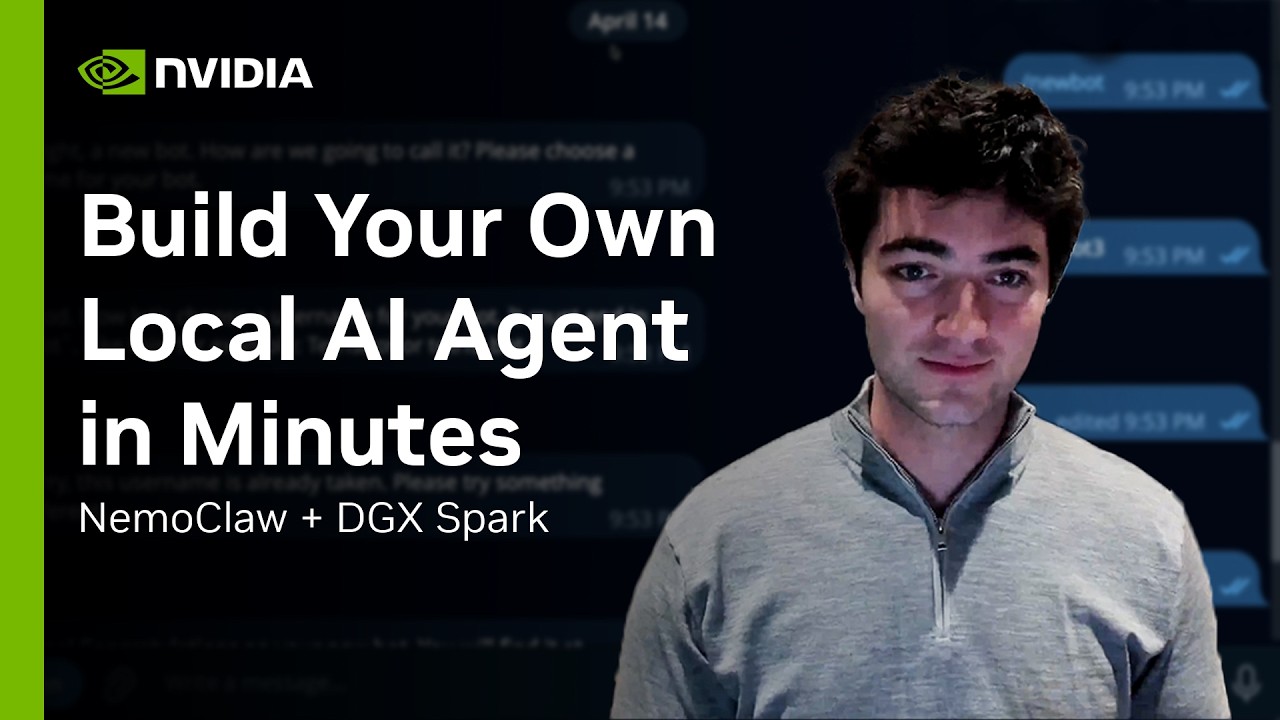
Build an Always-On AI Assistant with OpenClaw and NemoClaw on DGX Spark
Keywords
Summary
159 words
Critical Evaluation
Value of the Information & Strength of the Argument
The video provides a practical, hands-on tutorial with clear value for users interested in deploying a local AI assistant. The argumentation is straightforward, focusing on the benefits of local deployment: security, privacy, and no cloud dependencies. The presenter demonstrates real-time interactions, which adds credibility. However, the tutorial assumes a certain level of technical proficiency and does not delve into potential pitfalls or alternative configurations, limiting its depth for advanced users.
Scientific Rigor, Source Quality, Title Accuracy
The tutorial is scientifically rigorous in its practical approach, referencing official NVIDIA resources such as the tech blog, GitHub repository, and build.nvidia.com playbook. The sources are credible and directly related to the content. The title accurately reflects the content, and the tutorial stays on-topic throughout. The presenter’s affiliation with NVIDIA adds authority, though it also introduces potential bias towards NVIDIA products. Overall, the sources are reliable and the title-content alignment is strong.
157 words
Title / Content Match
The title accurately reflects the content: a step-by-step guide to building an always-on AI assistant using OpenClaw and NemoClaw on DGX Spark.
Quality & Reliability
8/10
The tutorial is presented by an NVIDIA team lead, demonstrating a practical setup with clear steps and references to official documentation and GitHub repository. The information is consistent with NVIDIA's product ecosystem and the demo appears genuine. Minor limitations include lack of in-depth troubleshooting and potential oversimplification for advanced users.
Chapters
- Introduction to the Local AI Assistant Stack
- Interacting with the Assistant via Terminal UI
- Using the Web UI for Assistant Management
- Messaging the Agent Through Telegram
- Initial Installation and Docker Configuration
- Setting Up Ollama and Nemotron 3 Super
- NemoClaw Installation and Configuration Wizard
- Integrating Telegram, Discord, Slack
- Finalizing the Sandbox and Accessing the Dashboard
- Port Forwarding for Remote Web UI Access
- Pairing and Approving Telegram Communications
Cited Sources
- NemoClaw on GitHub — Official repository for NemoClaw, the open-source stack used in the tutorial.
- Tech blog: Build a Secure Always-On Local AI Agent with NVIDIA NemoClaw and OpenClaw — Accompanying blog post providing additional details and context.
- NemoClaw Playbook — Playbook for NemoClaw on DGX Spark, referenced as a resource for setup.
- NVIDIA Developer Discord — Community channel for support and discussion.
Concurring Sources
- NVIDIA NemoClaw GitHub — Official repository confirming the existence and features of NemoClaw.
- NVIDIA Developer Blog — Blog post providing additional technical details and context.
Contribution & Novelties
The video offers a practical, step-by-step guide to deploying a fully local AI assistant, combining OpenClaw and NemoClaw on NVIDIA’s DGX Spark. It demonstrates a unique integration of terminal, web, and Telegram interfaces, emphasizing security and privacy. The tutorial is valuable for developers seeking to build autonomous agents without cloud dependencies.
Pour aller plus loin :
- OpenClaw — The open-source agent framework used, providing extensibility and customization.
- NVIDIA Nemotron — The model family powering the assistant, optimized for agentic workloads.
- Ollama — The local model serving tool used to run Nemotron 3 Super, enabling offline inference.
- DGX Spark — The hardware platform designed for AI workloads, offering high performance in a compact form factor.
114 words
Radar Profile
The radar profile shows high scores in information quantity, quality, and reliability, with a slightly lower technical level. This indicates a well-structured tutorial that is accessible to a broad audience while maintaining technical depth. The balance suggests the content is both informative and trustworthy.
💬 No comments were provided for analysis.