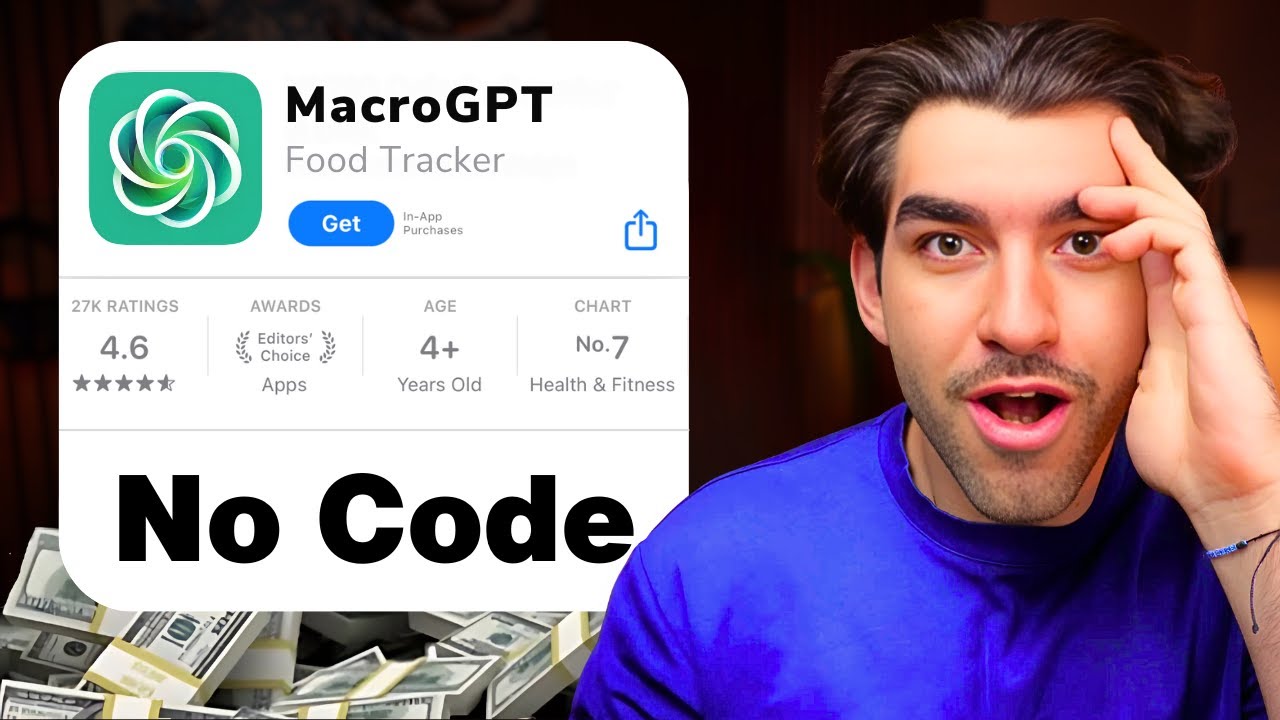
Comment Créer Sa Propre Application IA (en moins de 30min)
Keywords
Summary
123 words
Critical Evaluation
Value of the Information & Strength of the Argument
The video provides a clear, actionable tutorial with practical demonstrations. The creator’s argumentation is based on his experience and the impressive results achieved with the tools. He effectively shows the value of using no-code AI tools to quickly prototype and deploy applications. However, the argumentation is one-sided, focusing on the benefits without critically discussing limitations such as token costs, potential errors, or the need for technical understanding. The demonstration is compelling and likely to inspire viewers, but it lacks a balanced perspective.
Scientific Rigor, Source Quality, Title Accuracy
The video cites several tools and platforms, including Bolt.new, Dribbble, Perplexity, Synthflow, and OpenAI. These are directly relevant to the tutorial and are presented with their URLs. The creator also mentions his own GPT and community, which are promotional but transparent. The title accurately reflects the content, and the video delivers on its promise. However, the scientific rigor is limited as it is a tutorial rather than a research-based presentation. The sources are not academic but are appropriate for the practical nature of the content. The video does not provide citations for claims about the tools’ performance, such as Bolt’s revenue figures, which are presented without verification.
204 words
Title / Content Match
The title accurately reflects the content: the video shows how to create an AI application in under 30 minutes, using no-code tools.
Quality & Reliability
6/10
The video is a practical tutorial demonstrating the use of no-code AI tools to build an application. It provides step-by-step instructions and real demonstrations, but lacks in-depth technical explanations and critical evaluation of the tools' limitations. The creator has relevant experience, but the content is promotional in tone and does not address potential pitfalls or costs in detail.
Key Moments
Markers derived by PSI from the transcript: the creator did not define chapters.
- Introduction: promise to show how to create an AI app in 5 steps without coding.
- Step 1: Finding an app idea using PaywallScreens to validate market.
- Step 2: Creating a plan for the app, defining core features: calorie tracking, voice recognition, and AI nutritionist.
- Step 3: Using Dribbble for design inspiration and taking screenshots.
- Step 3 (continued): Introduction to Bolt.new and its capabilities, including prompt enhancement.
- Step 3 (continued): Building the app with Bolt, iterating on design and functionality.
- Step 4: Integrating AI features: voice recognition using GPT-4 and adding an AI nutritionist via Synthflow.
- Step 5: Deploying the app using Netlify and testing the AI nutritionist.
Cited Sources
- Bolt — Main tool used to create the application without coding.
- Dribbble — Used for design inspiration for the app.
- OpenAI Platform — Referenced for AI models like GPT-4 used in the app.
- Synthflow — Used to integrate the AI nutritionist voice assistant.
- PaywallScreens — Used to find app ideas and validate market.
- Perplexity — Used to find a food database for the app.
- Mon GPT — Custom GPT created by the author to help with prompts.
Concurring Sources
Dissenting Sources
- No specific discordant sources found — The video does not mention any conflicting sources or studies.
Contribution & Novelties
The video provides a practical, step-by-step guide to building an AI-powered application using no-code tools, which is valuable for entrepreneurs and non-programmers. It demonstrates the integration of multiple AI services (voice recognition, AI assistant) into a single app, showcasing the potential of these tools. The main novelty is the combination of Bolt.new with a custom GPT for prompt enhancement and Synthflow for voice AI, offering a streamlined workflow.
Pour aller plus loin :
- No-code development platform — Provides background on no-code tools.
- Speech recognition — Relevant to the voice recognition feature.
- OpenAI API — Official documentation for the AI models used.
101 words
Radar Profile
The radar profile shows a balanced performance across all dimensions, with slightly higher scores in information quantity and technical level, reflecting the tutorial's practical nature. The quality and reliability scores are moderate, indicating that while the content is useful, it lacks critical depth.
💬 Très positif. Sur les 30 commentaires analysés, la grande majorité exprime une admiration et un enthousiasme pour la vidéo, avec des remerciements et des demandes de contenu supplémentaire. Un commentaire nuancé souligne les limites de l'outil Bolt, mais l'ensemble est très favorable.