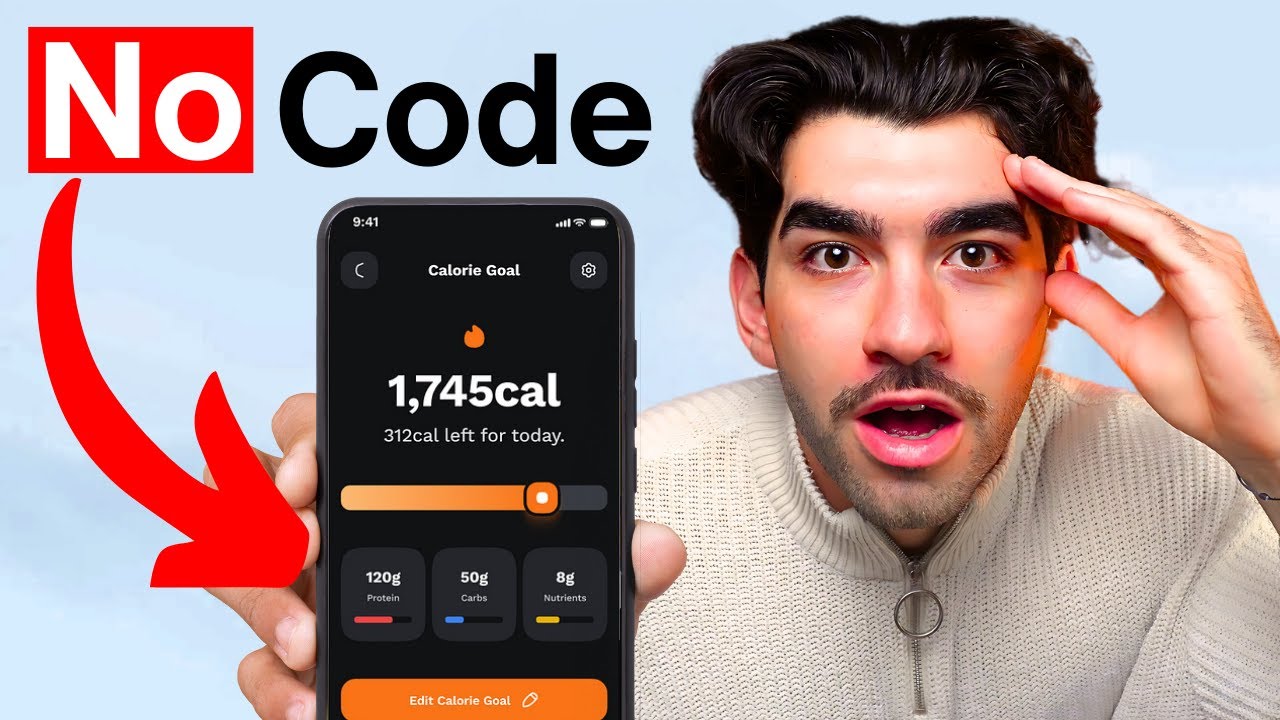
J’ai Utilisé l’IA Pour Cloner une APP en 24H
Keywords
Summary
151 words
Critical Evaluation
Value of the Information & Strength of the Argument
The video provides a clear, step-by-step demonstration of using Bolt to create a functional app. The value lies in its practical approach, showing real-time results and iterations. The argumentation is based on personal experience and visible outcomes, which is convincing for the target audience. However, it lacks critical analysis of the tool’s limitations, such as scalability, code quality, and security. The creator’s enthusiasm is evident, but the argumentation would be stronger with a more balanced view.
Scientific Rigor, Source Quality, Title Accuracy
The video cites two sources: Bolt (https://bolt.new/ ) and PaywallScreens (https://www.paywallscreens.com/) . These are directly relevant to the tutorial. The title accurately reflects the content, as the creator indeed uses AI to clone an app within 24 hours. The scientific rigor is moderate: the video is a tutorial based on personal experience, not a peer-reviewed study. The sources are appropriate for the topic, but the video does not discuss any potential biases or conflicts of interest. The comments are overwhelmingly positive, with viewers expressing excitement and gratitude, though some raise questions about legal and security aspects.
187 words
Title / Content Match
The title accurately reflects the content: the creator uses AI to clone an app within 24 hours, showing the process step-by-step.
Quality & Reliability
6/10
The video is a practical tutorial demonstrating the use of Bolt to create and deploy a habit-tracking app. It is based on personal experience and demonstration rather than peer-reviewed sources. The information is accurate for the tool's capabilities at the time, but lacks depth on limitations and security.
Key Moments
Markers derived by PSI from the transcript: the creator did not define chapters.
- Introduction: goal to clone an app using Bolt without coding.
- Using PaywallScreens to find an app to replicate.
- Creating a plan and writing the initial prompt for Bolt.
- Bolt generates the app structure; first preview.
- Iterating with Bolt: fixing bugs and adding confetti feature.
- Deploying the app using Netlify via Bolt.
- Setting up Firebase project and Firestore database.
- Connecting Bolt to Firebase and testing data storage.
- Adding user authentication with email/password.
- Creating a profile page and enabling email verification.
Cited Sources
- Bolt — The AI tool used to create and deploy the app.
- PaywallScreens — Website used to find app ideas and revenue estimates.
Concurring Sources
Contribution & Novelties
The video showcases the capabilities of Bolt, a relatively new AI tool that integrates development, debugging, and deployment in one platform. It provides a practical, accessible demonstration for non-coders, highlighting the potential of AI to democratize app creation. The novelty lies in the seamless integration of features that previously required multiple tools and technical skills.
Pour aller plus loin :
- Bolt — Official tool page.
- Firebase — Backend service used for authentication and database.
- Netlify — Deployment platform integrated with Bolt.
- No-code development — Concept of building applications without manual coding.
- AI-assisted programming — Using AI to generate code from natural language prompts.
103 words
Radar Profile
The radar profile shows balanced scores across all dimensions, with slightly higher scores in quantity of information and technical level, reflecting the tutorial's practical nature. The lower scores in quality and reliability indicate that the content is based on personal experience rather than rigorous scientific evidence.
💬 Très positif. Sur les 30 commentaires analysés, l'immense majorité exprime enthousiasme et gratitude, certains partagent leurs propres expériences de création d'applications, et quelques-uns posent des questions sur la monétisation et les aspects juridiques.