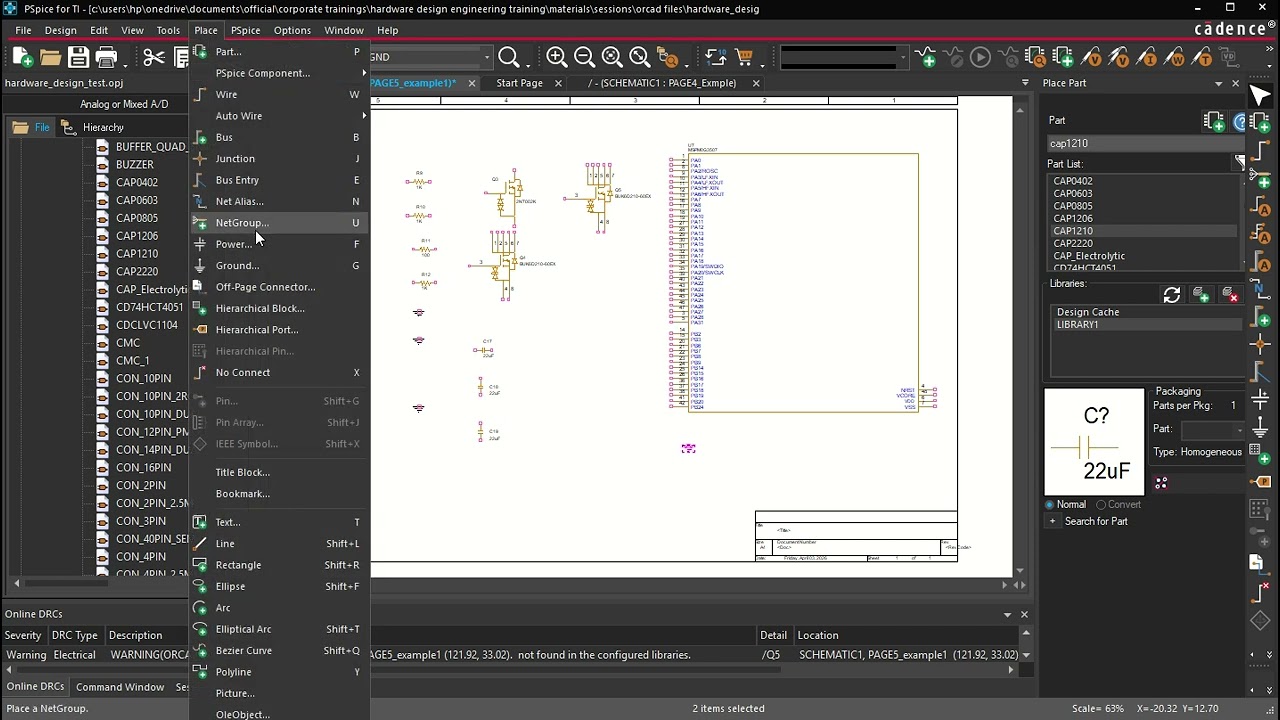
22 OrCAD Schematic Entry and Library component search and placement
Keywords
Summary
141 words
Critical Evaluation
Value of the Information & Strength of the Argument
The video provides practical, step-by-step instructions for basic schematic entry in OrCAD, which is valuable for beginners. The argumentation is straightforward and based on demonstration, but it does not offer theoretical explanations or compare with alternative methods. The presenter’s approach is clear, but the lack of context on design best practices limits the depth.
Scientific Rigor, Source Quality, Title Accuracy
The tutorial is based on the presenter’s experience and does not cite external sources. The title accurately describes the content. The video is a tutorial, and the quality of sources is not applicable; however, the lack of references reduces the scientific rigor. The content is consistent with common OrCAD workflows, but no verification against official documentation is provided.
127 words
Title / Content Match
The title accurately reflects the content, which focuses on schematic entry and library component search and placement in OrCAD.
Quality & Reliability
6/10
The tutorial is practical and demonstrates real OrCAD operations, but lacks citations, references, or verification of best practices. The content is accurate for basic schematic entry but does not address advanced features or potential pitfalls.
Key Moments
Markers derived by PSI from the transcript: the creator did not define chapters.
- Introduction to schematic entry and opening an existing design.
- Adding a library file and creating a new schematic page.
- Setting page properties (size, units).
- Browsing library components and placing a resistor.
- Editing component properties and using pivot view.
- Searching for specific components like MOSFETs and microcontrollers.
- Placing power and ground symbols, renaming nets.
- Using wires, aliases, and hierarchical ports.
- Printing schematics (all pages or single page).
- Finding test points and concluding remarks.
Cited Sources
- More video in Microcontroller design techniques — Referenced in the video description as a related tutorial.
Concurring Sources
- OrCAD Capture User Guide — Official documentation that aligns with the tutorial's workflow.
Contribution & Novelties
The video provides a practical, hands-on demonstration of OrCAD schematic entry, focusing on library component search and placement. It is useful for beginners but does not introduce novel concepts. The main value is the step-by-step guidance.
Pour aller plus loin :
- OrCAD Capture User Guide — Official documentation for detailed features.
- PCB Design Tutorial — General PCB design concepts.
- Schematic Capture — Overview of schematic capture process.
67 words
Radar Profile
The radar profile shows balanced scores across information quantity, quality, technical level, and reliability, indicating a moderately informative tutorial with no significant weaknesses or strengths.