001 Vivado FPGA project creation
Keywords
Summary
122 words
Critical Evaluation
Value of the Information & Strength of the Argument
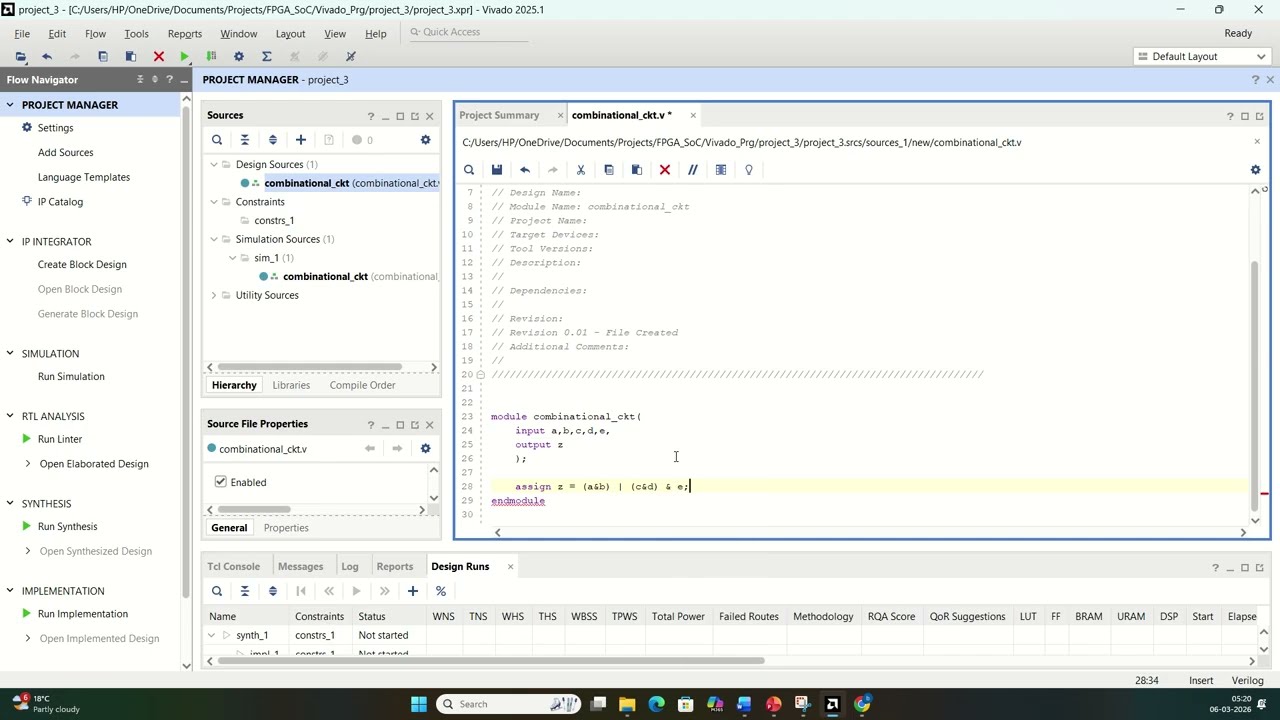
The video provides a clear, step-by-step demonstration of the Vivado project creation process, which is valuable for beginners. The argumentation is straightforward, based on practical demonstration rather than theoretical explanation. The presenter shows the exact clicks and options, making it easy to follow. However, the video lacks depth in explaining the underlying concepts, such as why certain settings are chosen or the significance of the FPGA board selection. The demonstration of adding a source file and writing a simple Verilog module is useful, but the explanation is minimal. Overall, the value lies in its practical guidance, but the argumentation is not rigorous or detailed.
Scientific Rigor, Source Quality, Title Accuracy
The tutorial is scientifically sound in its procedural accuracy, but it does not cite any external sources or references. The only link in the description is to another video in the same series, which is not a scientific source. The title accurately reflects the content, which is a basic tutorial on project creation. The lack of citations and references reduces the scientific rigor, but for a tutorial, this is not uncommon. The video does not present any original research or data, so the reliance on practical demonstration is acceptable. The adequacy between title and content is high, as the video delivers exactly what the title promises.
225 words
Title / Content Match
The title accurately reflects the content, which is a step-by-step guide to creating a project in Vivado.
Quality & Reliability
6/10
The tutorial is practical and demonstrates the steps clearly, but lacks in-depth explanations and references to official documentation. The content is accurate for the basic workflow, but the video has a low view count and limited engagement, reducing its overall reliability.
Key Moments
Markers derived by PSI from the transcript: the creator did not define chapters.
- Opening Vivado and selecting 'Create Project'
- Naming the project and choosing location
- Selecting RTL project type and target language (Verilog)
- Choosing FPGA board (Artix-7) and finishing project creation
- Adding a new design source file
- Writing a simple combinational logic module
- Running behavioral simulation and encountering an error
- Demonstrating 'Set as Top' feature with multiple sources
Cited Sources
- More video in Microcontroller design techniques — Referenced in the video description as a related tutorial series.
Concurring Sources
- Vivado Design Suite User Guide — Official guide that aligns with the steps shown in the video.
Contribution & Novelties
The video provides a basic, practical introduction to creating an FPGA project in Vivado, which is useful for beginners. Its novelty is limited as it covers standard steps well-documented in official guides. The main contribution is the clear demonstration of the workflow, including the ‘Set as Top’ feature.
Pour aller plus loin :
- Vivado Design Suite User Guide — Official documentation for Vivado IDE, covering project creation and management.
- FPGA Design Flow — Overview of FPGA design flow and concepts.
- Verilog Tutorial — Comprehensive Verilog tutorial for beginners.
88 words
Radar Profile
The radar profile shows moderate scores across all dimensions, indicating a balanced but not exceptional tutorial. The highest scores are in information quantity and reliability, while technical depth is slightly lower, reflecting the basic nature of the content.
💬 No comments were provided for analysis.