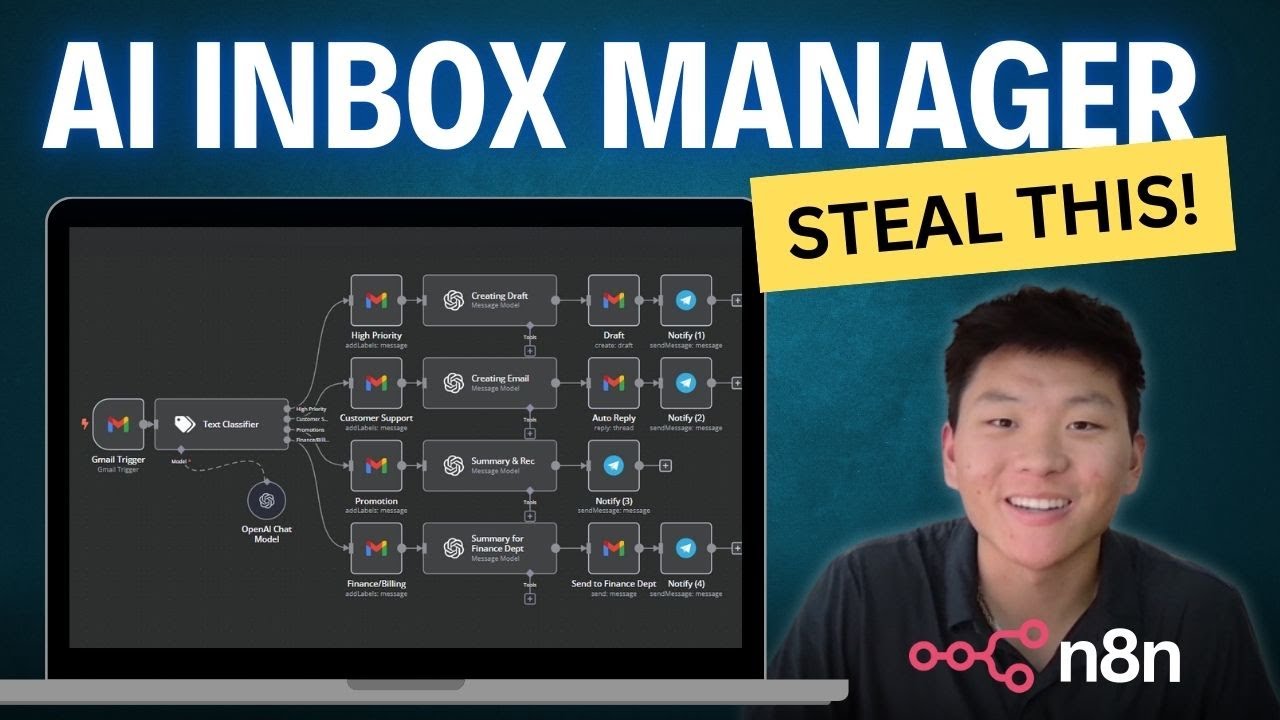
I Built an AI Agent that Automated my Inbox with n8n (No Code)
Keywords
Summary
135 words
Critical Evaluation
Value of the Information & Strength of the Argument
The video provides a clear, step-by-step demonstration of a practical AI automation use case. The value lies in its actionable guidance: viewers can replicate the workflow and adapt it to their needs. The argumentation is based on live demonstrations and concrete examples, which strengthens its credibility. However, the creator does not discuss limitations, potential errors, or security considerations, which would have added depth. The approach is pragmatic, but the lack of critical analysis of the AI’s reliability or the workflow’s robustness is a notable gap.
Scientific Rigor, Source Quality, Title Accuracy
The video does not cite any external sources or references, relying solely on the creator’s own demonstration. The description includes links to a community and other videos, but these are not used as sources. The title accurately reflects the content, and the video is well-structured with clear timestamps. The creator’s explanations are detailed, but the absence of references to official documentation or best practices reduces the scientific rigor. The video is a tutorial, not a research piece, so the expectations for source citation are lower, but still, referencing n8n’s official docs or OpenAI’s guidelines would have improved credibility.
198 words
Title / Content Match
The title accurately describes the content: building an AI agent with n8n to automate email management. The video delivers on this promise.
Quality & Reliability
6/10
The video is a practical tutorial demonstrating a specific n8n workflow. It provides clear step-by-step instructions and shows real outputs. However, it lacks rigorous scientific depth, does not cite external sources, and relies on anecdotal evidence. The approach is pragmatic but not scientifically validated.
Chapters
Cited Sources
- Skool Community — Mentioned as a free community for sharing workflows and resources.
- Background Music — Listed in the description as background music used in the video.
- Watch Next Video — Recommended as a related video on building the labeling part of the workflow.
Concurring Sources
- n8n documentation — Official documentation for n8n, which supports the workflow described in the video.
- OpenAI API documentation — Official documentation for OpenAI models, which are used in the video for classification and content generation.
Contribution & Novelties
The video offers a practical, no-code solution for email automation using n8n, demonstrating how to combine AI classification with automated actions. Its novelty lies in the specific workflow design and the integration of Telegram notifications. The approach is accessible to non-programmers, which is a significant contribution to the democratization of AI tools.
Pour aller plus loin :
- n8n documentation — Official documentation for n8n, useful for understanding nodes and workflows.
- OpenAI API documentation — Official documentation for OpenAI models, relevant for the AI components.
- Gmail API documentation — Official documentation for Gmail integration, useful for understanding email operations.
- Telegram Bot API — Official documentation for Telegram bots, relevant for notifications.
110 words
Radar Profile
The radar profile shows balanced scores across information quantity, quality, technical level, and reliability, with a slight emphasis on technical level. This indicates a tutorial that is informative and technically sound but not deeply rigorous or source-rich.