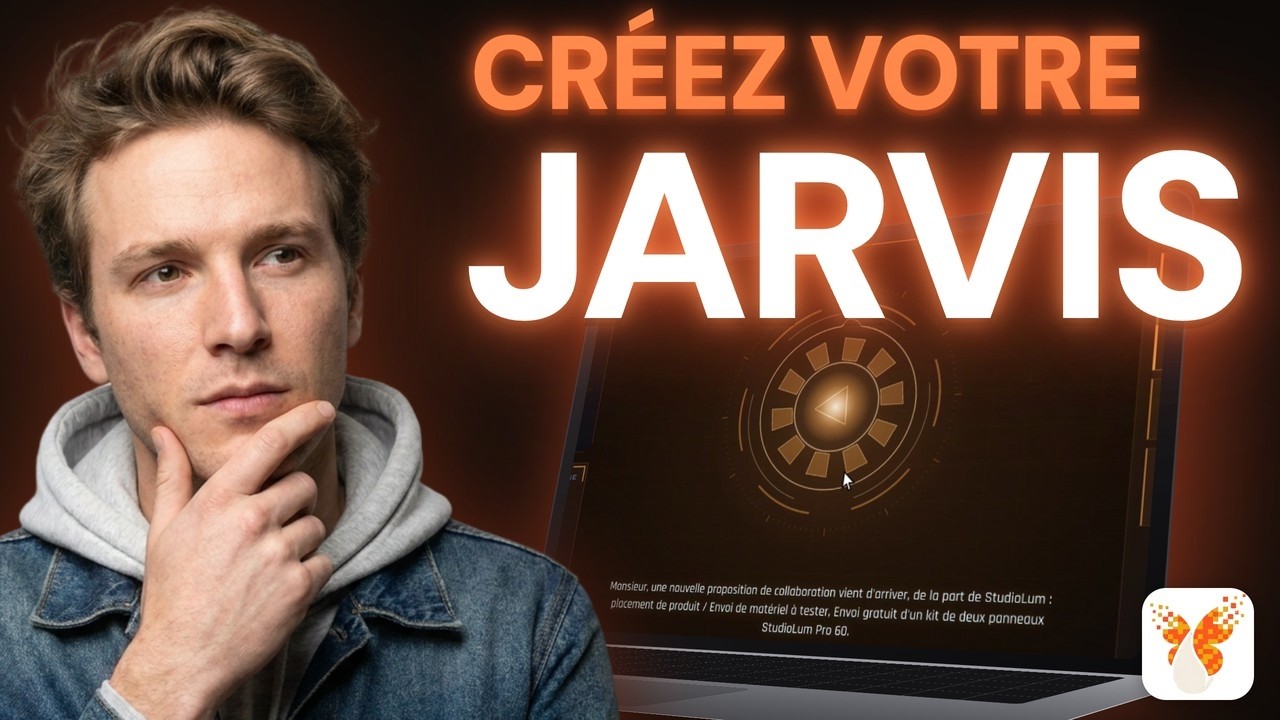
Créez votre assistant IA JARVIS GRATUIT : le guide pas à pas pour tous
Create your FREE JARVIS AI assistant: the step-by-step guide for everyone
Title history
- Créez votre assistant IA JARVIS GRATUIT : le guide pas à pas pour tous — observed on 20261113-2203 UTC (YouTube)
Keywords
Summary
287 words
Critical Evaluation
Value of the Information & Strength of the Argument
The video offers a highly actionable and well-structured tutorial, effectively demonstrating the viability of personal AI automation with free or low-cost tools. The argumentation is solid; the creator validates each step by testing the system live, carefully explaining the rationale behind each configuration choice, such as using an app password instead of a regular OAuth to avoid 7-day token dropout, or using a local voice model to circumvent API usage limits. The value is enhanced by including complex features like mood shifts and memory achieved through simple natural language prompts, proving that Claude Code can handle substantial back-end engineering autonomously for a non-developer. The logical flow from the initial problem to the final integrated system is clear and repeatable, with the creator explicitly acknowledging the limitations of the system, including Claude’s quota constraints and the fact that the assistant cannot yet respond to emails on its own, thus providing a balanced and trustworthy evaluation of what is achievable.
Scientific Rigor, Source Quality, Title Accuracy
The tutorial is rigorous in its execution, ordering steps systematically and pre-emptively addressing predictable failure points. The sources cited in the description are directly relevant and point to primary official platforms, including Google AI Studio, Claude Code documentation, Telegram’s BotFather, and the Piper voice repository on Hugging Face. This adherence to primary sources strengthens the reliability of the presented instructions. The title accurately reflects the content: a step-by-step guide to creating a JARVIS-like AI assistant for free, with a clear focus on making it accessible to non-developers. The video’s claim to be ‘free’ is nuanced and honestly addressed, correctly noting that the construction phase depends on a Claude Pro subscription, even though the final assistant continues to function independently once built.
294 words
Title / Content Match
The title accurately describes the content: a free, step-by-step guide to creating a functional JARVIS-like AI assistant without writing code.
Quality & Reliability
7/10
Provides clear and reproducible step-by-step instructions, pre-emptively addressing common pitfalls (e.g., Gmail OAuth token expiration, Gemini voice limits). The reasoning is sound and the system is tested live, though the analysis relies on a single empirical case and depends on the temporary stability of third-party free APIs.
Chapters
- Mon Jarvis se réveille
- Pourquoi voulez-vous un Jarvis ?
- Le prompt à coller dans Claude Code
- Les trois accès gratuits : Telegram, Gmail, AI Studio
- Le premier vocal, et son caractère
- Ses fichiers et sa mémoire
- La limite de Claude, et l'astuce du CLAUDE.md
- Une fonction ajoutée en direct
- Le message du matin, jour et nuit
- L'alerte en temps réel
- Une voix gratuite sur votre ordinateur
- Le look, et mon avis
Cited Sources
- Google AI Studio API Key — Used to obtain a free API key for the Gemini model which powers the Jarvis assistant's reasoning and initial voice synthesis.
- Claude Code — The core agent used to autonomously write and execute the code for the Jarvis assistant, included with a Claude Pro subscription.
- Piper Voices — Repository for the local, free, and unlimited French male voice models installed on the user's machine to replace Gemini's limited voice output.
- Krysalid TV - Jarvis Guide (Nine Prompts) — Webpage associated with the video containing the nine copy-paste prompts and exact links used in the construction process.
- Google App Passwords — Used to generate a dedicated 16-character password for the Gmail integration, with instructions emphasizing its reliability compared to standard OAuth flows for personal projects.
- Telegram BotFather — The official Telegram bot used to create and generate the token for the Jarvis bot's messaging interface.
- Claude Code FREE and unlimited (related video) — A related video by the same creator demonstrating how to use Claude Code free of charge, referenced to supplement the limitation section of the main tutorial.
Contribution & Novelties
The original contribution lies in demonstrating a concrete, reproducible workflow that combines Claude Code’s autonomous coding with free-tier Google APIs and Telegram to create a personalized automation system completely controlled by natural language, thereby eliminating the barrier of traditional development for non-programmers. It specifically tackles common integration pitfalls, such as Google’s token expiration or Gemini’s daily voice limits, and offers practical workarounds. The guide advocates a bottom-up construction approach, starting with a single function and expanding incrementally through iterative prompts, which serves as an effective educational strategy.
Pour aller plus loin :
- Claude (language model) — Central to the Claude Code tool discussed; understand the underlying model’s capabilities and context.
- Telegram (software) — Provides the messaging interface and bot API used for notifications and interactions in the tutorial.
- Google AI Studio — Official source of the free Gemini API key that powers the assistant’s reasoning in the video.
148 words
Radar Profile
The radar profile shows high scores in information quantity and qualitative information, reflecting a dense and practical tutorial. The technical level is moderate, requiring comfort with command-line interfaces and API keys, but the comprehensive guidance and lack of assumptions about prior coding knowledge make it accessible. The overall reliability is judged to be strong, supported by the explicit attribution to official tools and transparent handling of limitations.