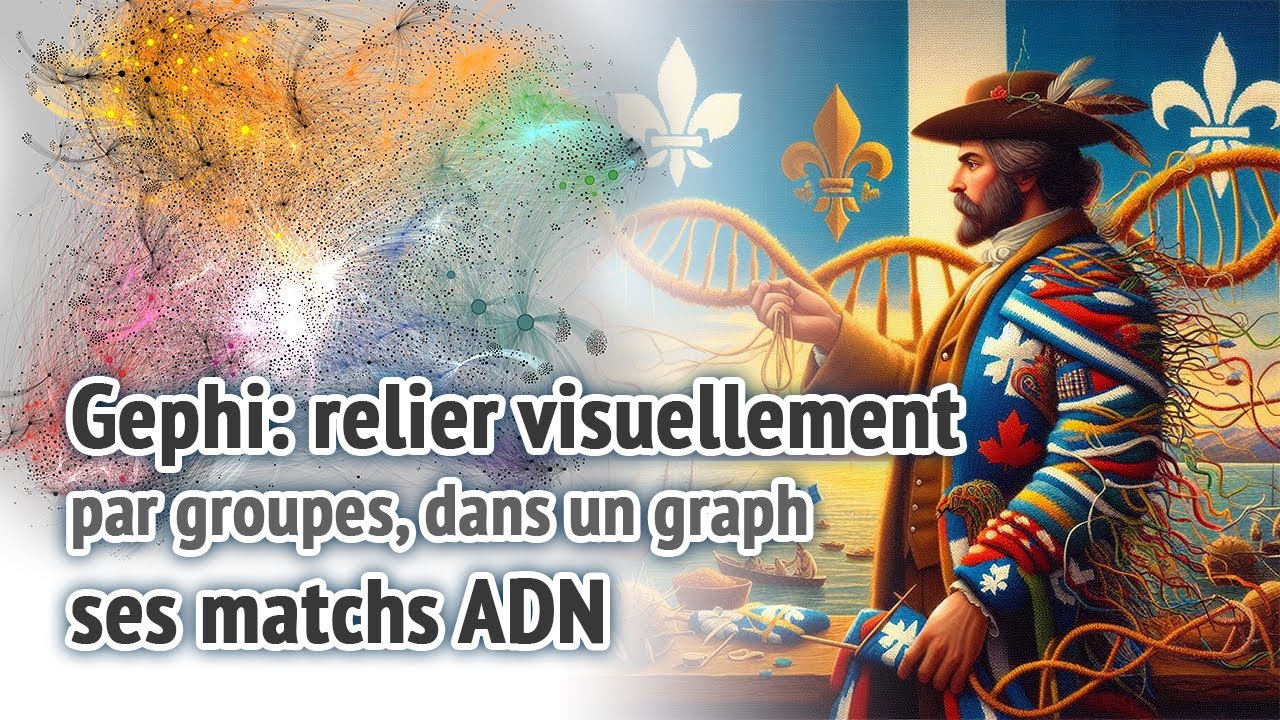
Gephi - relier visuellement ses correspondances ADN par groupes
Gephi - visually linking your DNA matches by groups
Keywords
Summary
183 words
Critical Evaluation
Value of the Information & Strength of the Argument
The video delivers high practical value for genealogy enthusiasts who want to leverage Gephi for genetic clustering. The explanation is methodical: the creator covers every step from file preparation to final export, and justifies choices such as using official match IDs and avoiding cross-site mixing. The nomenclature for ancestors is clearly explained and attributed to a prior tutorial by ‘David V’, which adds credibility. The argumentation is coherent: the creator demonstrates the process with a small example and then shows a larger real-world dataset, reinforcing that the method scales. However, the video does not provide quantitative validation or comparisons with other tools, and the instructions are tailored to a specific workflow, which may not suit all users. No conflicting evidence or alternative approaches are mentioned, but the tutorial fulfills its stated purpose effectively.
Scientific Rigor, Source Quality, Title Accuracy
The creator uses no formal citations but references external resources: the Gephi software itself, the DNA Painter website and its shared cM project, and a tutorial by ‘David V’ which inspired the ancestor nomenclature. These are reputable sources in the genetic genealogy community. The tutorial’s technical precision is good: it explains CSV formatting, Gephi import options, and plugin installation accurately. The title matches the content exactly, and the description provides a clear chapter list. The video does not claim scientific rigor but rather offers a practical how-to. The only minor caveat is the reliance on anecdotal experience rather than official documentation, but this is typical for software tutorials and does not undermine the usefulness.
262 words
Title / Content Match
The title accurately reflects the content: the video demonstrates how to use Gephi to visually group DNA matches, covering data preparation, import, visualization, and export.
Quality & Reliability
8/10
The tutorial is practical, accurate, and well-structured, with clear step-by-step instructions for using Gephi in genetic genealogy. The creator openly acknowledges the manual nature of data collection and warns against automation that violates site terms. No major errors or misleading claims were found.
Chapters
- intro
- deux fichiers CSV
- fichier Nodes
- récupérer le ID du match
- ne pas mélanger les sites
- fichier Edges
- nomenclature d'ancêtres communs
- niveaux hiérarchiques (générations)
- remplir les Edges
- automatismes de la procédure à vos risques
- télécharger les fichiers CSV
- Ouveture de Gephi
- importation des 2 CSV
- premières options en bas
- options de gauche (colonne)
- rajouter des colonnes dans Gephi
- attribuer des couleurs sur mesure
- plugins
- copier des données entre colonnes
- taille des nodes (cercles)
- options des edges (lignes de relations)
- layout (disposition globale du graph)
- plus gros graphique
- élargir les limites du canvas global
- lenteur possible de génération
- graphique en cercle serré
- exportation du visuel final
- divers exemples exportés
- importance d'ajouter plusieurs correspondances
- superpositions (overlays) de communautés
- conclusion
Cited Sources
- Gephi - official website — The software being instructed; mentioned as the tool for creating network graphs.
- DNA Painter — Used as a reference for the shared cM project and ancestor relationship nomenclature.
- Shared cM Project (DNA Painter) — Specifically mentioned as a tool to determine typical centimorgan ranges for different relationships.
- David V's tutorial on Gephi — The ancestor nomenclature used in the video is credited to 'David V' who made an excellent tutorial on Gephi, though no direct URL is given.
Contribution & Novelties
The original contribution of this video is providing a comprehensive, French-language tutorial focused specifically on using Gephi for genetic genealogy, filling a gap in accessible resources. It goes beyond a basic overview by including practical tips such as using official match IDs, avoiding cross-site mixing, and employing a plugin for automated color assignment. The step-by-step approach with clear examples makes it easier for novices to adopt. The video also emphasizes the manual work required and warns against automated scraping, which is a responsible ethical note.
Pour aller plus loin :
- Gephi official documentation — Useful for deeper understanding of graph layout and filters.
- DNA Painter’s shared cM project — Helps understand expected DNA sharing ranges for various relationships.
- Gephi plugin: Give Colors to Nodes — Though the exact plugin page isn’t linked, the GitHub repo lists many plugins; note that the plugin must be installed manually.
- Concept: Network analysis in biology — Wikipedia: Biological network — For broader context on network analysis applied to biological data.
- Concept: Genetic genealogy — Wikipedia: Genetic genealogy — Provides background on the discipline.
179 words
Radar Profile
The scores indicate a balanced profile with strong emphasis on information quantity and quality, while technical level is moderate, reflecting the tutorial's approachable yet detailed nature. The reliability score is slightly lower, suggesting that while the instruction is sound, it relies more on practitioner experience than formal references.