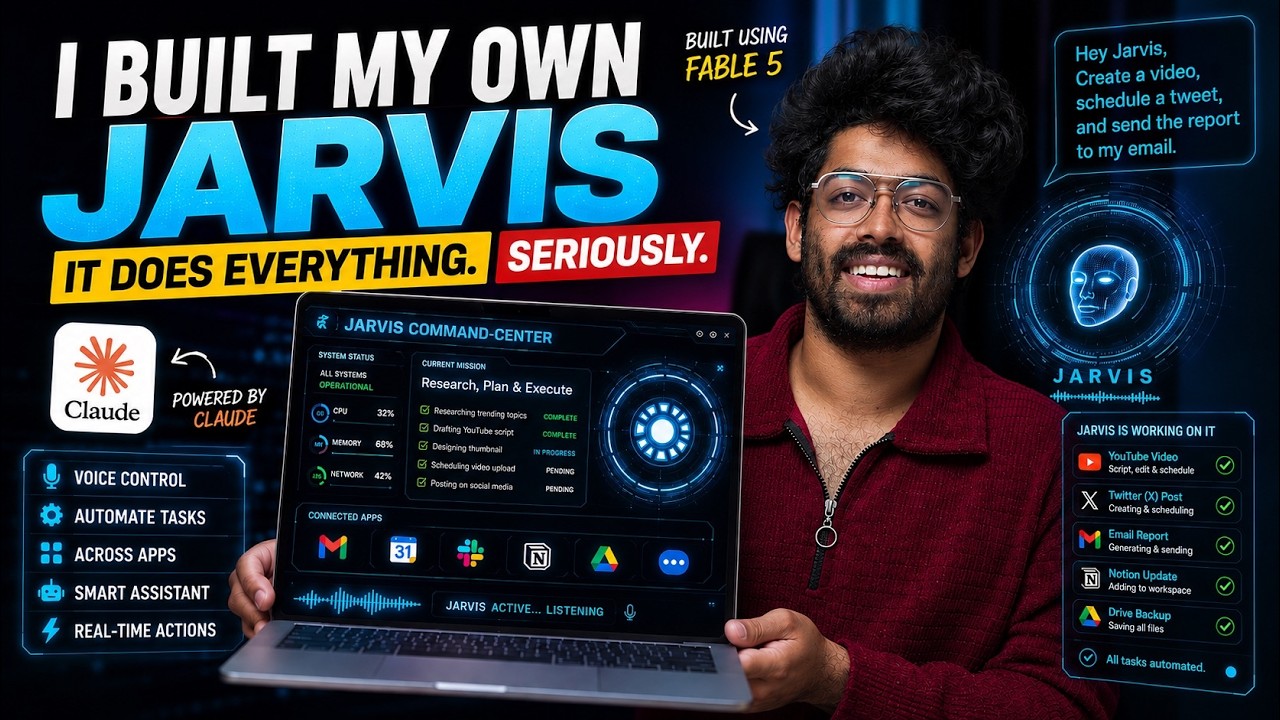
I Accidentally Built a Real-Life Jarvis With AI (ft. Fable 5)
Keywords
Summary
137 words
Critical Evaluation
Value of the Information & Strength of the Argument
The video provides substantial practical value by demonstrating a real, working AI assistant and giving viewers a complete blueprint to replicate it. The argumentation is solid: each step is clearly motivated (why Convex for real-time sync, why Composio for integrations), and the troubleshooting segments add credibility by showing realistic challenges and fixes. The claim that this can be built without coding knowledge is supported by the fact that the creator uses natural language prompts in Cursor, though some familiarity with deploying apps and API keys is implied. The demonstration of live interactions (sending emails, fetching summaries) effectively proves the system’s utility. However, the argumentation is mostly anecdotal, based on the creator’s own experience, and lacks independent verification or comparison with alternative approaches, which slightly limits its scholarly weight.
Scientific Rigor, Source Quality, Title Accuracy
The video is a tutorial, so scientific rigor is not its primary goal, but it is rigorous in its methodology: the creator shows each step, provides the exact prompts and configurations, and openly addresses failures and fixes. The sources cited are the official documentation and platforms used (Convex, OpenAI, Composio, Cursor, etc.) with direct links in the description, which is commendable. The GitHub repository provides the actual code, allowing verification and reuse. The title accurately reflects the content, though the word ‘Accidentally’ is a marketing hook rather than a literal description. The title also mentions Fable 5, a specific AI model, which is relevant since it is used in the demo. Overall, the information is presented transparently, and the reliance on well-known services enhances trustworthiness, even if the video is not a peer-reviewed source.
277 words
Title / Content Match
The title accurately reflects the content: building a real-life Jarvis using AI, with a nod to the Fable 5 model. Slightly exaggerated ("Accidentally") but acceptable.
Quality & Reliability
8/10
The tutorial provides practical, reproducible steps to build a functional AI assistant, with clear explanations and troubleshooting. The reliance on third-party services is well-documented, and the GitHub repository adds verifiability, though the video itself is a demo rather than a peer-reviewed study.
Key Moments
Markers derived by PSI from the transcript: the creator did not define chapters.
- Introduction and live demo of Jarvis sending emails and managing to-dos
- Overview of required tools: Convex, OpenAI Realtime API, Composio, Hostinger, TestSprite
- Setting up Convex plugin in Cursor and configuring Fable 5 model
- First build: generating the Jarvis control center with AI agent
- Adding authentication and creating a new Convex project
- Connecting Gmail and troubleshooting email fetch issues
- Connecting Notion and calendar, testing memory features
- Adding email sending capability and final demonstration
Cited Sources
- Convex - Reactive Backend — Used as the real-time backend platform for the Jarvis application
- Cursor - AI Coding Agent — Used as the AI coding agent to build the application
- GitHub Repository - Jarvis — Source code for the complete Jarvis project
- TestSprite CLI — Mentioned for testing the application
- Scrimba - Coding Courses — Promoted as a resource to boost coding skills
- Hostinger Web App Hosting — Planned for hosting the Jarvis application (affiliate link)
- TestSprite Website — Used for front-end and back-end testing
- Newsletter - aiholiq — Creator's newsletter, likely for updates
- Astro K Joseph Website — Personal website of the creator
- LinkedIn - Astro K Joseph — Professional profile of the creator
Concurring Sources
- GitHub Repository - Jarvis — Provides the actual code that matches the tutorial steps, confirming the feasibility.
- Convex - Reactive Backend — Official Convex link used in the video, consistent with the backend claims.
- Cursor - AI Coding Agent — Official Cursor site, the agent used to generate the code.
Contribution & Novelties
The video contributes a practical, no-code approach to building a personal AI assistant by integrating multiple cutting-edge tools. The novelty lies in the combination of an AI coding agent (Cursor with Fable 5) that writes the entire application from natural language prompts, with a reactive backend (Convex) and a broad integration platform (Composio). This streamlines the development of a voice-controlled assistant that can manage emails, calendars, and to-dos, demonstrating that advanced AI applications are now accessible to non-programmers. The troubleshooting sections add educational value by showing common pitfalls and solutions.
Pour aller plus loin :
- AI agent (Wikipedia) — Context on AI agents and their capabilities.
- OpenAI Realtime API — The underlying API for real-time voice interaction; documentation on the platform.
- Convex Documentation — Official site for the reactive backend used in the project.
- Composio Platform — Tool for connecting multiple apps; official site for the integration service.
- WebRTC (Wikipedia) — Technology enabling real-time communication, used here for voice.
159 words
Radar Profile
The radar profile shows high scores in quantity and quality of information, with a slightly lower technical level, indicating that while the video is rich in content and practical details, the complexity of the underlying concepts (WebRTC, API integrations) is presented at an intermediate level. Reliability is strong due to the provision of concrete code and links to official services.