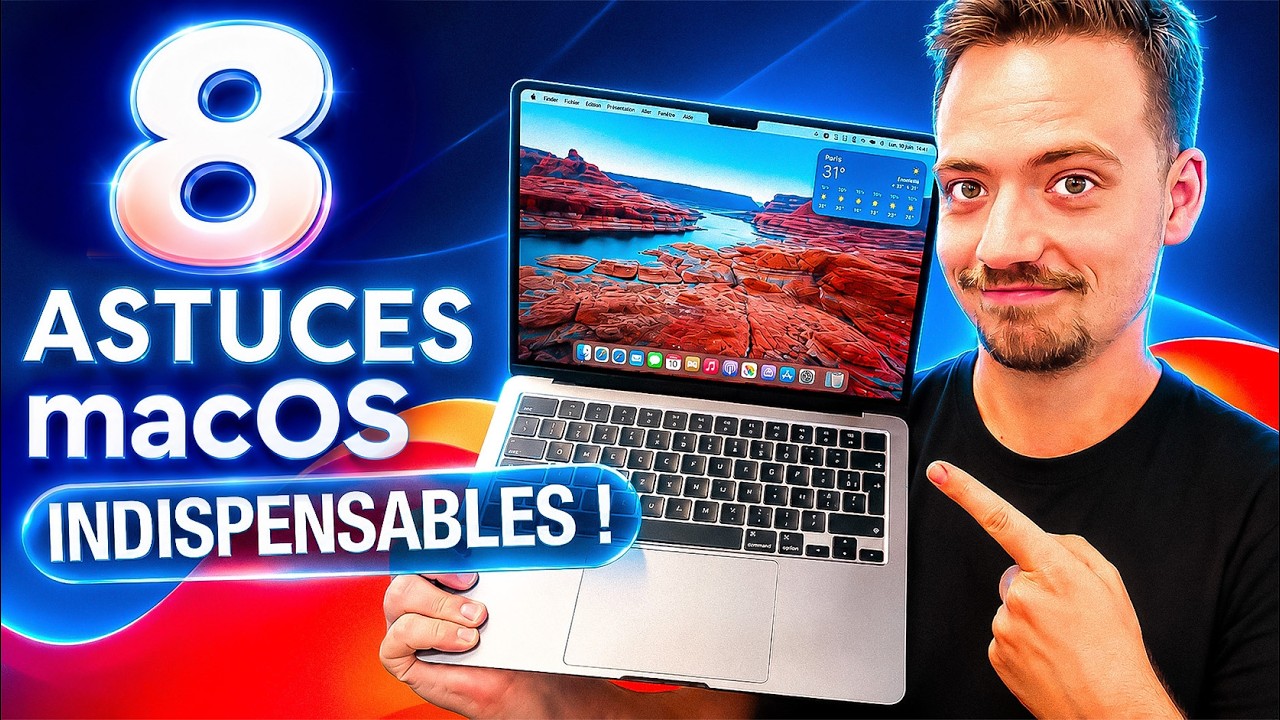
J’ai testé 8 astuces Mac : ça change tout !
I tested 8 Mac tips: it changes everything!
Keywords
Summary
170 words
Critical Evaluation
Value of the Information & Strength of the Argument
The value of the video lies in its practical, time-saving tips that are directly applicable to daily macOS use. The presenter argues for each tip by demonstrating its utility in real-world scenarios, such as copying text from websites, managing screenshots, and organizing files. The argumentation is solid because it relies on visual evidence and clear explanations of benefits, such as avoiding formatting mishaps or reducing desktop clutter. The video also compares macOS features to Windows where relevant, helping viewers understand the improvements. The presenter’s enthusiasm and personal experience add credibility, and the tips are presented as solutions to common frustrations, making the argument compelling.
Scientific Rigor, Source Quality, Title Accuracy
The video maintains scientific rigor by focusing on facts and avoiding speculation. Each tip is based on verified native macOS features, and the presenter does not make unsupported claims. The sources are limited to the channel’s own guides and community links, which are not directly referenced in the content but are available in the description for general information. The title accurately reflects the content, as all eight promised tips are covered. The description also explicitly states that the video is non-sponsored, enhancing trustworthiness. The structure is logical, with chapters marking each tip, and the demonstrations are clear and reproducible.
218 words
Title / Content Match
The title promises 8 Mac tips and the video delivers exactly 8 distinct tips, each demonstrated. The content matches the title precisely.
Quality & Reliability
8/10
The tutorial is clear, well-structured, and demonstrates each tip live. The channel Frandroid is an established tech media outlet with a reputation for reliability. The tips are based on native macOS features and are accurate as of the latest versions (Sequoia, Tahoe). No major factual errors or misleading claims were detected.
Chapters
Cited Sources
- Guide d'achat MacBook Air/MacBook Pro/MacBook M1 — Linked in the description as a general guide for MacBook purchasing, not directly referenced in the video but part of the channel's resources.
- Guide des smartphones — Linked in the description as a general smartphone guide, not related to the specific tips presented.
- Frandroid main site — The channel's main website, linked in the description for general tech news.
- Frandroid Twitch — The channel's Twitch stream, linked in the description as a community resource.
- Frandroid Discord — The channel's Discord server, linked in the description for community engagement.
Contribution & Novelties
The video consolidates several lesser-known macOS tips into a single, accessible format. While some tips (like window snapping) are widely known, others such as the clipboard history in macOS Tahoe or the screenshot technique with shadow removal are relatively niche. The original contribution is the demonstration of these tips in a practical, user-friendly manner, allowing viewers to immediately apply them.
Pour aller plus loin :
- macOS Sequoia — The operating system version that introduced native window tiling, relevant to the first tip.
- Clipboard manager — Concept behind the clipboard history feature, useful for understanding its utility.
- Picture-in-picture — General media feature, exemplified in the video for video playback.
108 words
Radar Profile
The radar profile indicates a well-rounded tutorial with high scores in information quality and reliability, a moderate level of technical depth, and strong information density. The low aspect on technical level reflects the video's accessibility to general users, while the high reliability stems from the presenter's expertise and clear demonstrations.