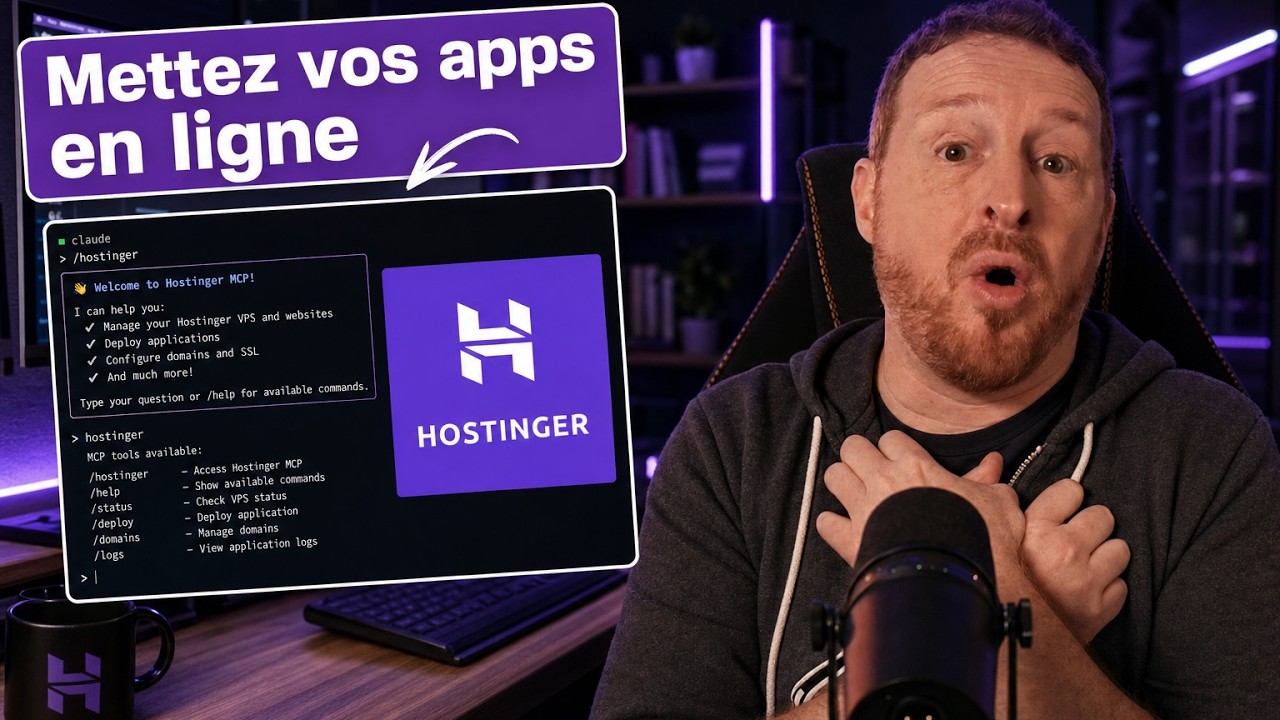
Claude + VPS: mettez vos app en ligne sans rien toucher de technique
Claude + VPS: Get your apps online without touching any technical stuff
Title history
- Claude + VPS: mettez vos app en ligne sans rien toucher de technique — observed on 20261115-1026 UTC (YouTube)
Keywords
Summary
167 words
Critical Evaluation
Value of the Information & Strength of the Argument
The content offers genuine practical value for novice users: it demonstrates a viable workflow that replaces manual server administration with AI guidance. The step-by-step presentation is logical and easy to follow, with concrete examples and real-time interactions that show the process actually works. The argumentation is centered on the idea that Claude removes the main barrier to deploying personal apps. The demo is consistent and convincing, though it is heavily promotional and does not discuss potential limitations or costs beyond the introductory offer.
Scientific Rigor, Source Quality, Title Accuracy
The video cites Hostinger as the VPS provider and mentions the Hostinger plugin and MCP connector for Claude Code. The only external sources provided are the Hostinger promotional link and the creator’s personal website. No independent technical documentation or user feedback is cited. The title matches the content faithfully. There are no comments provided, so no audience analysis is possible.
158 words
Title / Content Match
Titre accurately describes the content: showing how to deploy apps on a VPS without manual technical configuration, using Claude Code.
Quality & Reliability
6/10
The tutorial is a practical demonstration of deploying an app via Claude Code and Hostinger VPS. It includes detailed steps and real interactions, but relies heavily on promotional content and lacks independent verification of the technical claims.
Key Moments
Markers derived by PSI from the transcript: the creator did not define chapters.
- Introduction: Why deploying apps online is a bottleneck for beginners.
- Explanation of VPS (Virtual Private Server) and why it scares novices.
- Hostinger VPS purchase steps, promotional link and discount code.
- How to set up a VPS with Ubuntu, leaving all technical config to Claude.
- Installation of Hostinger plugin in Claude Code and the MCP connector.
- Connecting Claude to Hostinger account through the MCP connector.
- Domain name registration: Claude registers a free .tech domain and sets up redirection.
- Creating a real-time translation app using Fable 5.2, with a 5-part prompt structure.
- Deploying the app on a subdomain with HTTPS, tested from a smartphone.
- Recap: 4-step method to reproduce the process and final call to action.
Cited Sources
- Hostinger VPS offer (sponsored link) — Provider for the VPS used in the tutorial, with a discount code RENAUDVPS.
- Renaud Dékode's website — General resource for community and additional content.
- Renaud Dékode's Klub (subscription) — Paid community for learning and networking.
Contribution & Novelties
The video contributes a concrete example of using AI (Claude Code) to manage VPS deployment, reducing the technical entry barrier for non-developers. It demonstrates the integration of Hostinger with Claude’s plugin and MCP, showing how AI can handle domain registration, DNS, and HTTPS configuration in a conversational manner.
Pour aller plus loin :
- Model Context Protocol (MCP) — Official documentation of the MCP protocol used for the Hostinger connector.
- VPS (Virtual Private Server) — Wikipedia article explaining VPS fundamentals.
- HTTPS — Overview of HTTPS and its role in web security, relevant to the deployment process.
95 words
Radar Profile
The radar shows balanced scores with slightly higher quantity than quality, reflecting a tutorial that covers many steps but relies on promotional context and lacks deep technical verification. The technical level is moderate, suitable for beginners, and overall reliability is average due to the absence of independent references.