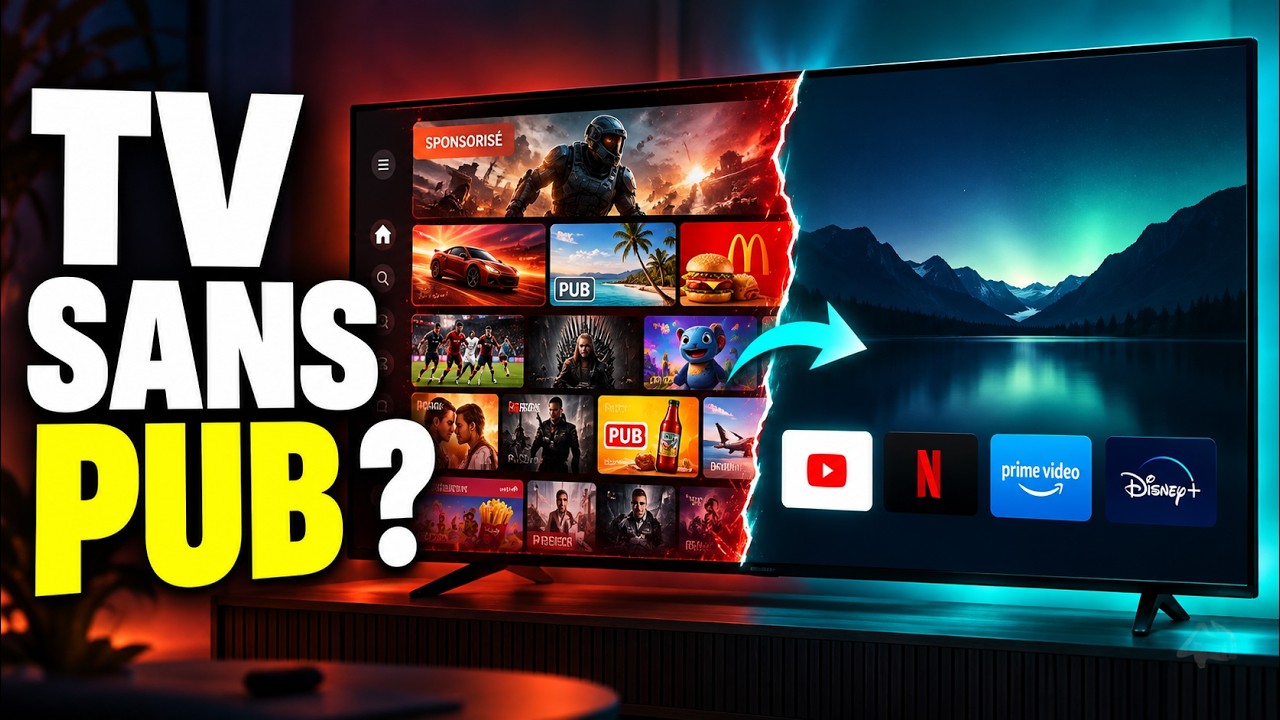
Transforme ta Google TV avec cette IA (CleanYourTV)
Transform Your Google TV With This AI (CleanYourTV)
Title history
- Transforme ta Google TV avec cette IA (CleanYourTV) — observed on 20261110-0244 UTC (YouTube)
Keywords
Summary
205 words
Critical Evaluation
Value of the Information & Strength of the Argument
The video provides a high-value, practical tutorial that demystifies a technical process for a non-expert audience while maintaining a strong emphasis on safety. The argumentation is coherent and well-structured: it clearly defines what CleanYourTV does, why it is needed, and the risks involved. The presenter consistently reinforces the importance of backing up the system, examining each package before disabling it, and never assuming a command works across all devices. The reasoning is sound, as it aligns with best practices for system modifications, and the tutorial is built on the official project documentation, which enhances its credibility. The value lies in giving viewers a actionable method to reclaim control over their TV interface, with a strong focus on risk mitigation and reversibility.
Scientific Rigor, Source Quality, Title Accuracy
The scientific rigor is moderate to high for a tutorial: the information is drawn directly from the official CleanYourTV GitHub repository and Android developer documentation, and the presenter explicitly warns about potential pitfalls without overclaiming. The quality of sources is good, as all referenced links are from official or authoritative sources (e.g., developer.android.com, the project’s own GitHub and website). The title accurately represents the content, and the description provides clear chapter markers that align with the video’s flow. There are no obvious discrepancies between the title and the actual content, and the tutorial does not overstate the effectiveness of the tool, instead highlighting its limitations and the need for careful handling. The inclusion of a troubleshooting section and restoration scripts demonstrates a responsible approach to technical risk.
263 words
Title / Content Match
The title accurately reflects the content: a practical guide to using the AI-powered open-source tool CleanYourTV to debloat and customize a Google TV home screen.
Quality & Reliability
8/10
The tutorial is based on official project documentation and clearly warns about risks, but it does not present independent verification or critical analysis of potential failure cases beyond common cautions.
Chapters
- Le problème des accueils Google TV
- Un écran d'accueil envahi par les pubs
- Les trois actions de CleanYourTV
- Compatibilité et prérequis matériels
- Risques ADB et précautions à prendre
- Activer les options développeur et ADB
- Cloner le dépôt et préparer l'agent IA
- Se connecter en ADB par réseau ou code
- Sauvegarder l'état initial de la TV
- Choisir les applications et les paquets
- Nettoyer progressivement et désactiver
- Installer et tester le launcher
- Personnaliser le nouvel accueil
- Restaurer la configuration d'origine
- Sécuriser en désactivant l'accès ADB
- Récap et ressources en description
Cited Sources
- CleanYourTV - GitHub Repository — Main repository for the open-source project, containing code, documentation, and prompts.
- Official PROMPT.md for AI agents — The instruction file that guides AI coding agents on how to perform the cleaning process safely.
- Compatibility list of TV models — Official list of documented Android TV and Google TV models that are compatible with CleanYourTV.
- Troubleshooting documentation — Guide for resolving common issues encountered during the cleaning and installation process.
- ADB official documentation — Android Debug Bridge tool documentation, essential for connecting to and managing the device.
Contribution & Novelties
The video’s original contribution lies in its clear, step-by-step demonstration of using an AI autonomous agent to safely debloat a Google TV, a task that typically requires manual ADB commands and careful package selection. It bridges the gap between the technical README and a practical user guide, emphasizing risk mitigation and reversibility. The tutorial also highlights the collaborative role of the human user in validating the AI’s actions, which is a valuable perspective on human-in-the-loop automation.
Pour aller plus loin :
- Android Debug Bridge (ADB) — Official documentation on the tool used to interact with the device; essential for understanding the underlying commands.
- Android TV — Overview of the Android TV platform, its variants (including Google TV), and ecosystem, helping contextualize the system being modified.
- Android software development — Broad introduction to Android development tools and environment, useful for grasping concepts like package management and launchers.
146 words
Radar Profile
The radar profile shows a balanced distribution across the four scores, with slightly lower scores for reliability compared to the others. This indicates that the information is detailed and well-presented but may rely on single sources (the project's own documentation) and lacks independent verification, which is expected for a tutorial format.