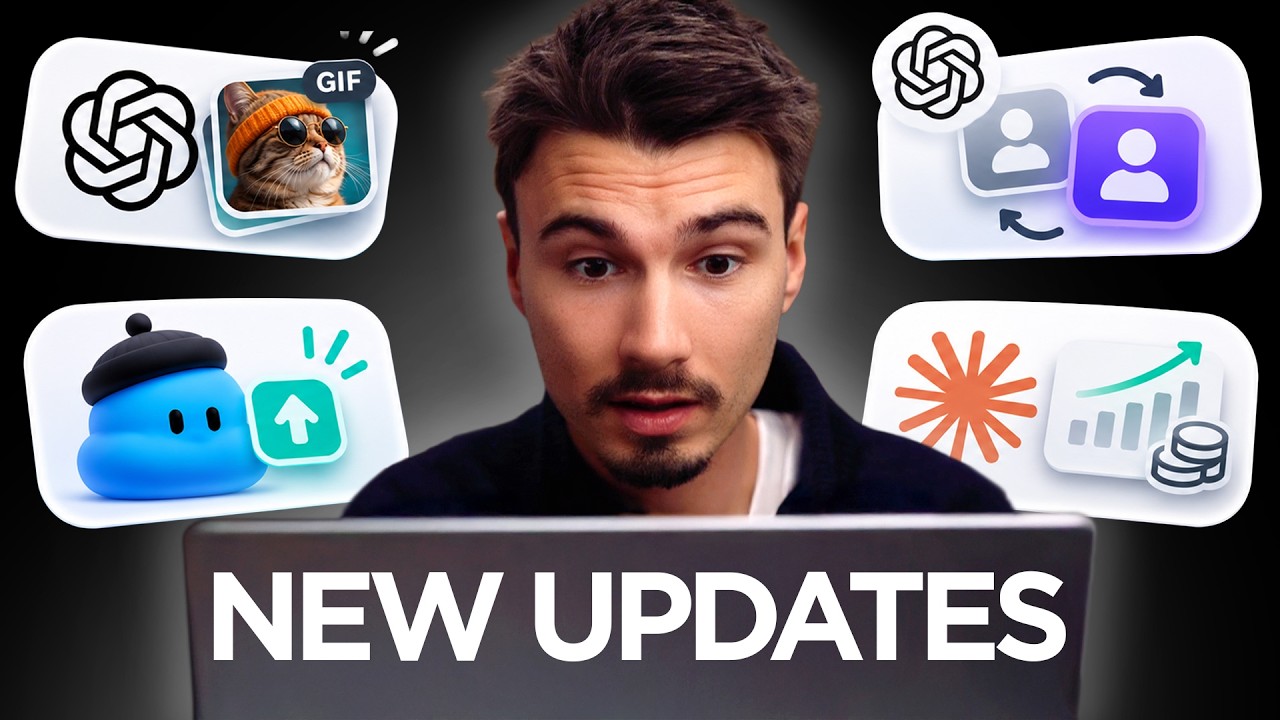
ChatGPT Images 2.6 Is Here: GIFs, Dot Upgrades & More
Title history
- ChatGPT Images 2.6 Is Here: GIFs, Dot Upgrades & More — observed on 20261106-1952 UTC (YouTube)
Keywords
Summary
123 words
Critical Evaluation
Value of the Information & Strength of the Argument
The video offers valuable practical demonstrations and specific prompts for using AI features like GIFs and Dots. The argumentation is grounded in hands-on examples, showing both capabilities and limitations. Igor’s reasoning is clear and connects features to real-world applications, such as using GIFs for outreach and Dots for calendar automation. However, the claims rely on personal experience rather than systematic testing, and the discussion lacks quantitative data to support effectiveness. The value lies in actionable tips and creative ideas, though the scientific rigor is limited.
Scientific Rigor, Source Quality, Title Accuracy
The video references official sources from OpenAI and Claude, providing links to product announcements and help pages. These sources are credible and directly related to the discussed features. However, the video does not include citations for statistical claims like ‘4 billion images per week,’ which lack verification. The title matches the content accurately, covering both ChatGPT Images 2.6 and Dots updates. Overall, the sources are of good quality but used selectively; the video could benefit from more balanced verification of claims.
181 words
Title / Content Match
The title accurately reflects the content, focusing on ChatGPT Images 2.6 with GIFs and updates to Dots features.
Quality & Reliability
7/10
The video provides practical insights and tips on new AI features, but relies heavily on personal opinion and limited technical depth. Official sources are referenced, but the analysis is subjective.
Key Moments
Markers derived by PSI from the transcript: the creator did not define chapters.
- Intro: weekly AI news roundup, focus on persistent personal agents.
- ChatGPT Images 2.6: custom GIFs, SVG editing, demonstration and examples.
- Use cases for GIFs: cold outreach and documents; limitations and workarounds for face preservation.
- Dots updates: multi-account access, iOS notification replies, share menu, Windows improvements.
- Dots use cases: calendar management with rules and Black Friday deal scanning with schedule tasks.
- Personal finance tools: ChatGPT Finances and Claude Personal Finance, overview and privacy considerations.
Cited Sources
- Introducing Images 2.6 — Official announcement of ChatGPT Images 2.6, including GIF capabilities.
- Getting started with your Dot — Help article detailing features and setup of Dots.
- Scheduled tasks in ChatGPT — Documentation on scheduled tasks, used for deal scanning.
- Claude Personal Finance — Article introducing Claude's personal finance features.
- Finances in ChatGPT — Help article about ChatGPT's finance tracking features.
- Join The AI Advantage Club — Promotional link for Igor's community, mentioned in video.
- Free Dots PDF — Link to a free resource related to Dots, as offered in description.
Concurring Sources
- Introducing Images 2.6 — Confirms the release and features of ChatGPT Images 2.6.
- Getting started with your Dot — Supports the description of Dots features and updates.
Contribution & Novelties
The video provides original, hands-on demonstrations of new AI features, particularly the GIF creation in ChatGPT Images 2.6 and practical prompts for Dots automation. It offers creative use cases like using GIFs to emphasize urgency in emails and setting up deal scanners for Black Friday. The novel contribution lies in the specific prompts and workflows shared, which are not commonly found in official documentation. The presenter’s personal experience adds a realistic perspective on limitations, such as face deformation and connector restrictions.
Pour aller plus loin :
- GIF (Wikipedia) - Understanding the GIF format and its animation capabilities.
- Scalable Vector Graphics (Wikipedia) - Learning about SVG, a vector image format used for markup-guided edits.
- ChatGPT (OpenAI) - Official overview of ChatGPT, the platform featured in the video.
126 words
Radar Profile
The radar profile shows moderate scores across all dimensions, with a slight peak in information quality and a dip in technical level. This indicates a video that is practically useful but not deeply technical, appealing to a broad audience interested in AI applications.