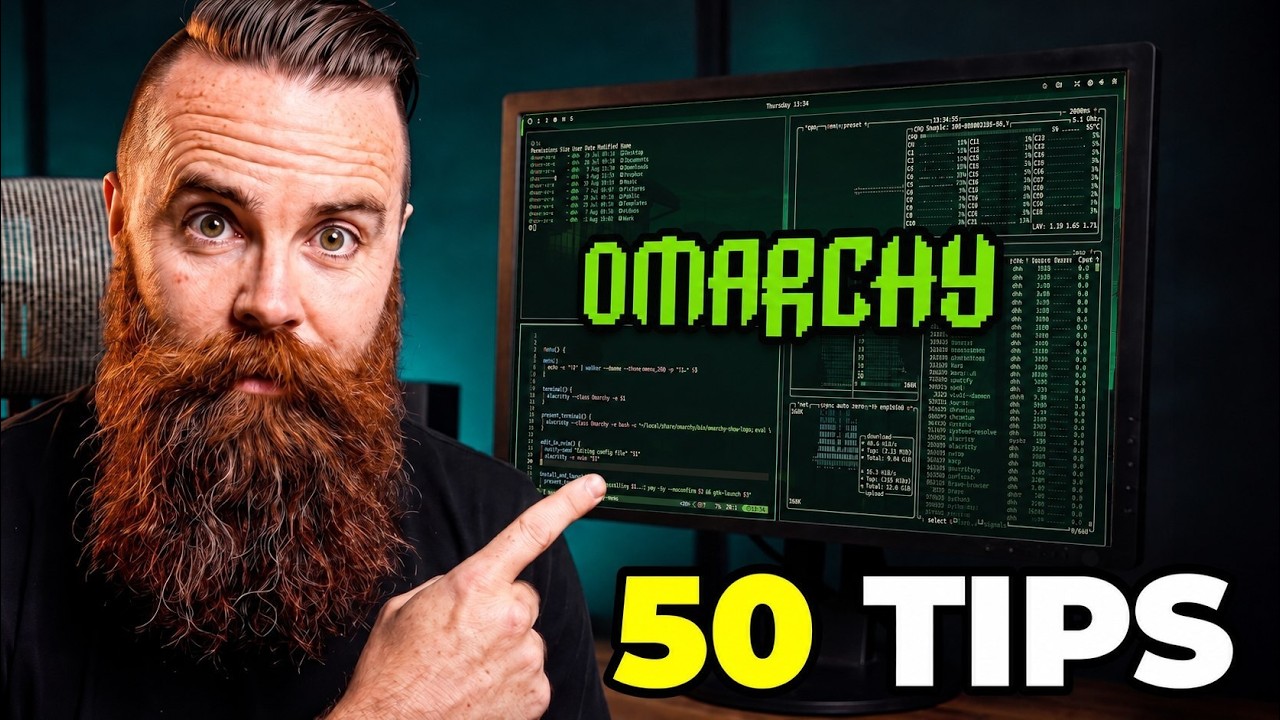
Omarchy Can Do WHAT?! 50 Features You’re Missing
Keywords
Summary
122 words
Critical Evaluation
Value of the Information & Strength of the Argument
The value of the information lies in its practical, actionable nature: each feature is demonstrated live, with clear keybindings and commands. The argumentation is grounded in the creator’s experience and references the official manual, making the claims credible for the target audience. The video does not merely list features but explains why they are useful and when to use them, such as the caution with AUR packages and the recommendation to use stable updates for production. The demonstration of advanced features like AI-driven system customization is backed by a clear warning about enterprise security, showing balanced reasoning.
Scientific Rigor, Source Quality, Title Accuracy
The video demonstrates scientific rigor by showing real-time usage and providing links to official documentation and open-source projects. It cites the Omarchy manual and numerous project pages (Hyprland, Quickshell, Arch Linux, etc.) in the description. The title is highly accurate, as the video indeed covers 50 distinct features. The sponsorship is transparent and does not influence the content, which remains focused on factual demonstrations. Overall, the sources are reliable and directly referenced.
184 words
Title / Content Match
The title accurately reflects the content: a list of 50 features with demonstrations, matching the video's length and depth.
Quality & Reliability
7/10
The video is a hands-on tutorial from a well-known tech educator, demonstrating each feature live. It references the official manual and provides links to official resources. Despite being based on personal experience, the demonstrations validate the claims. The presence of a sponsored segment does not affect the content.
Key Moments
Markers derived by PSI from the transcript: the creator did not define chapters.
- First five minutes: keybindings, universal menu, copy/paste that works everywhere
- Workspaces instead of monitors, fullscreen three ways, and scratchpad
- How to let an AI agent work without letting it roam
- Installing anything, and when to be careful with the AUR
- Updating the right way, and what Btrfs snapshots actually save
- Voxtype: dictate anywhere, completely local
- LocalSend: AirDrop for Linux
- Pick your AI, then tell it to rewrite your operating system
Cited Sources
- Omarchy official site — Main distribution site
- The Omarchy Manual — Official documentation referenced in the video
- Omarchy on GitHub — Source code repository
- Omarchy plugin marketplace — Site for discovering and installing plugins
- Hyprland — The compositor used by Omarchy
- Quickshell — Tool for theming and quick shell customization
- Arch Linux — Base distribution Omarchy is built on
- Voxtype (local dictation) — Local dictation tool demonstrated
- LocalSend — Cross-platform AirDrop-like file sharing
- btop — System monitor shown in the video
Concurring Sources
- Omarchy Manual — The video explicitly references the manual for many features.
- Arch Linux Wiki — General Arch documentation supports many of the underlying system commands.
External References
Contribution & Novelties
This video provides a comprehensive and actionable list of 50 features that are often overlooked by new Omarchy users. Its novelty lies in the curated, hands-on demonstration of each feature, saving viewers hours of manual exploration. The content is structured around the first week of use and includes tips on productivity, security, and customization. The video also showcases advanced use cases like local AI integration and plugin development, making it a valuable resource for both newcomers and experienced users.
Pour aller plus loin :
- Btrfs — Filesystem used for snapshots, relevant to the update and rollback features.
- Arch User Repository — Community-driven package repository, caution advised in video.
- Ollama — Local AI model runner, used for the no-GPU local model example.
- Hyprland Wiki — Configuration references for the compositor powering Omarchy.
- Voxtype GitHub — Source code and documentation for the dictation tool.
142 words
Radar Profile
The radar profile shows a strong emphasis on information quantity and quality, with moderate technical depth and reliability. This indicates a comprehensive practical tutorial that is trustworthy but not peer-reviewed academic content.
💬 très positif. Sur les 30 commentaires analysés, la grande majorité exprime une forte appréciation, avec des utilisateurs découvrant de nombreuses fonctionnalités et exprimant leur enthousiasme pour Omarchy.