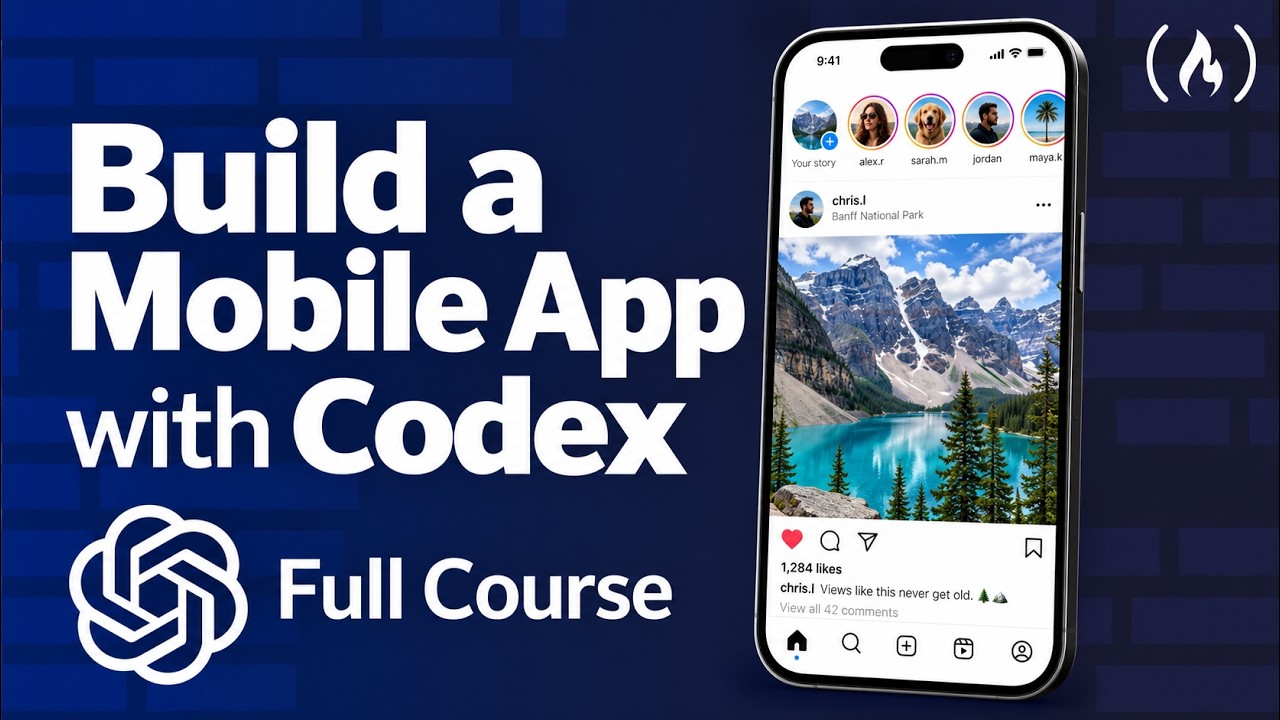
Build and Publish a Mobile App with GPT-6 Astra
Keywords
Summary
145 words
Critical Evaluation
Value of the Information & Strength of the Argument
The value of this tutorial lies in its practical, step-by-step approach. Instead of just showing a demo, the instructor explains the reasoning behind each step, emphasizing planning and giving AI context. He argues that skipping planning leads to failures and demonstrates how to interview the AI to gather requirements. The argumentation is solid, supported by his own success in publishing an app without rejection. He also dispels myths about AI capabilities and stresses the importance of fundamentals. The tutorial is well-structured with timestamps and clear objectives.
Scientific Rigor, Source Quality, Title Accuracy
The scientific rigor is not applicable as it’s a technical tutorial, but the quality of sources is good. The instructor references official documentation for Expo, Convex, Clerk, and Sentry. He also provides custom prompts and source code. The title matches content accurately. The channel freeCodeCamp is reputable. No conflicting sources are present. The tutorial does not rely on unverified claims; it demonstrates everything live.
165 words
Title / Content Match
The title accurately describes the content: building and publishing a mobile app using the GPT-6 Astra model via Codex.
Quality & Reliability
9/10
The tutorial is clear, practical, and from a well-known educational channel (freeCodeCamp). It covers the entire process and includes real-world considerations for App Store approval.
Chapters
Cited Sources
- Source Code — Complete source code for the application built in the tutorial.
- Expo — Framework used for building the mobile app.
- Clerk — Authentication service used in the app.
- Sentry — Error tracking and monitoring tool introduced in the final section.
- Plan Mode Prompt — Prompt used for planning the project with AI.
- Design Prompts — Prompts for generating UI designs with AI.
- Legal Pages Prompts — Prompts for creating privacy policy and terms of service.
- freeCodeCamp — Platform hosting this tutorial and offering free coding education.
- Scrimba — Partner platform for interactive learning.
External References
Contribution & Novelties
The tutorial’s original contribution is its comprehensive workflow and the precise prompts that guide AI to produce a functional app. It also emphasizes the importance of planning and providing context to AI. The ‘Pour aller plus loin’ section offers further resources.
Pour aller plus loin :
- Expo Documentation — Official documentation for Expo, useful for understanding React Native development.
- Convex Documentation — Learn about the backend and database used in the project.
- Clerk Documentation — Authentication service details and integration.
- NativeWind — Utility-first styling for React Native mentioned for styling.
- Sentry — Error tracking and monitoring tool.
97 words
Radar Profile
The radar shows high scores on quantity, quality, and reliability, with a slightly lower technical level, indicating a well-rounded tutorial accessible to intermediate developers.